How to Set Up a Wireless Network Using 802.11ac Protocol
Learn how to set up a wireless network using 802.11ac protocol, configure 5 GHz, secure your WiFi, and check connections with clear steps for home.
Choose a WiFi extender for large property coverage. Learn placement tips, outdoor equipment options, and reliable ways to connect sheds and barns.
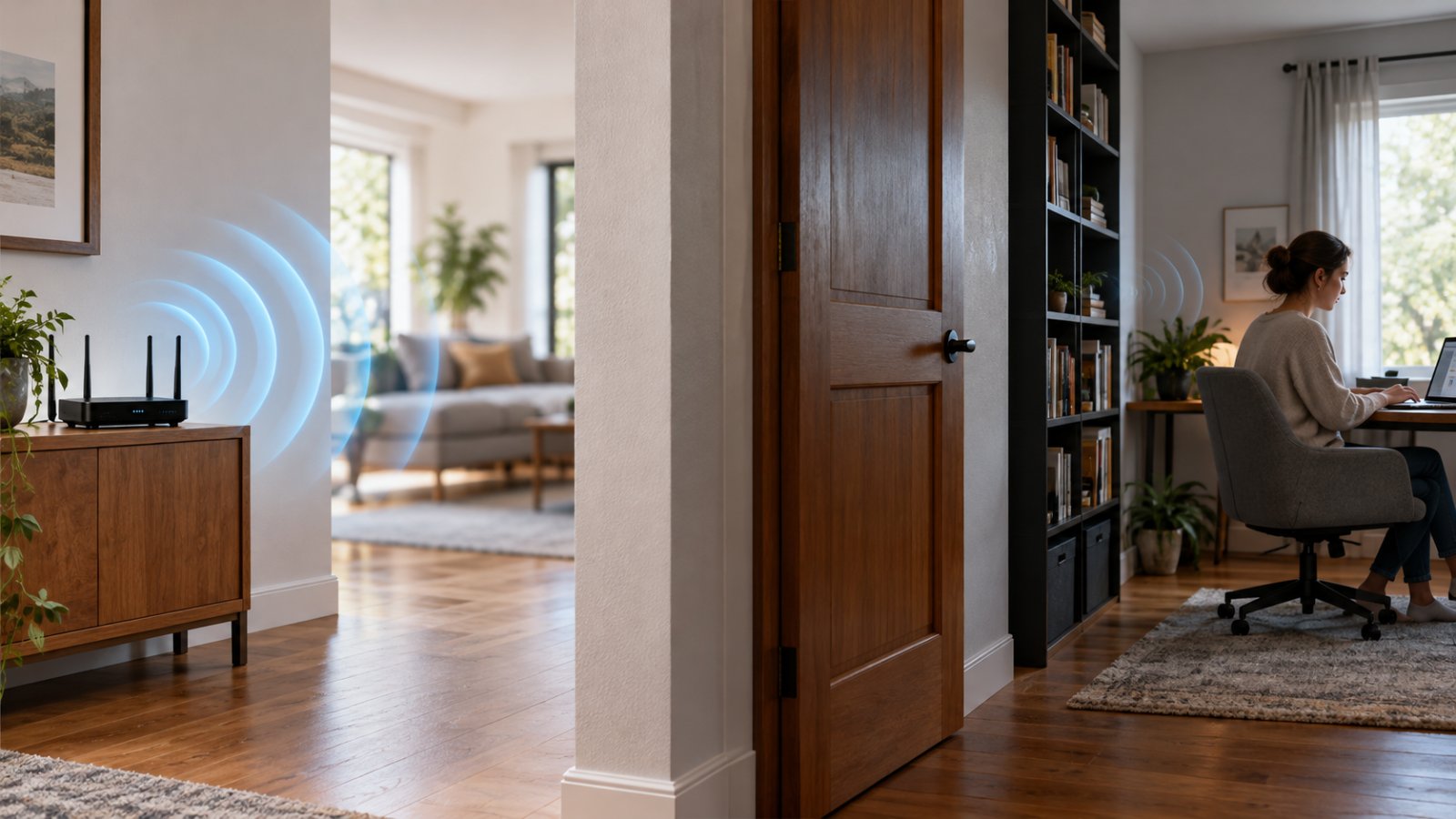
Need to block wifi signal in a room? Learn safe router settings, device schedules, and placement changes while keeping home security cameras connected.
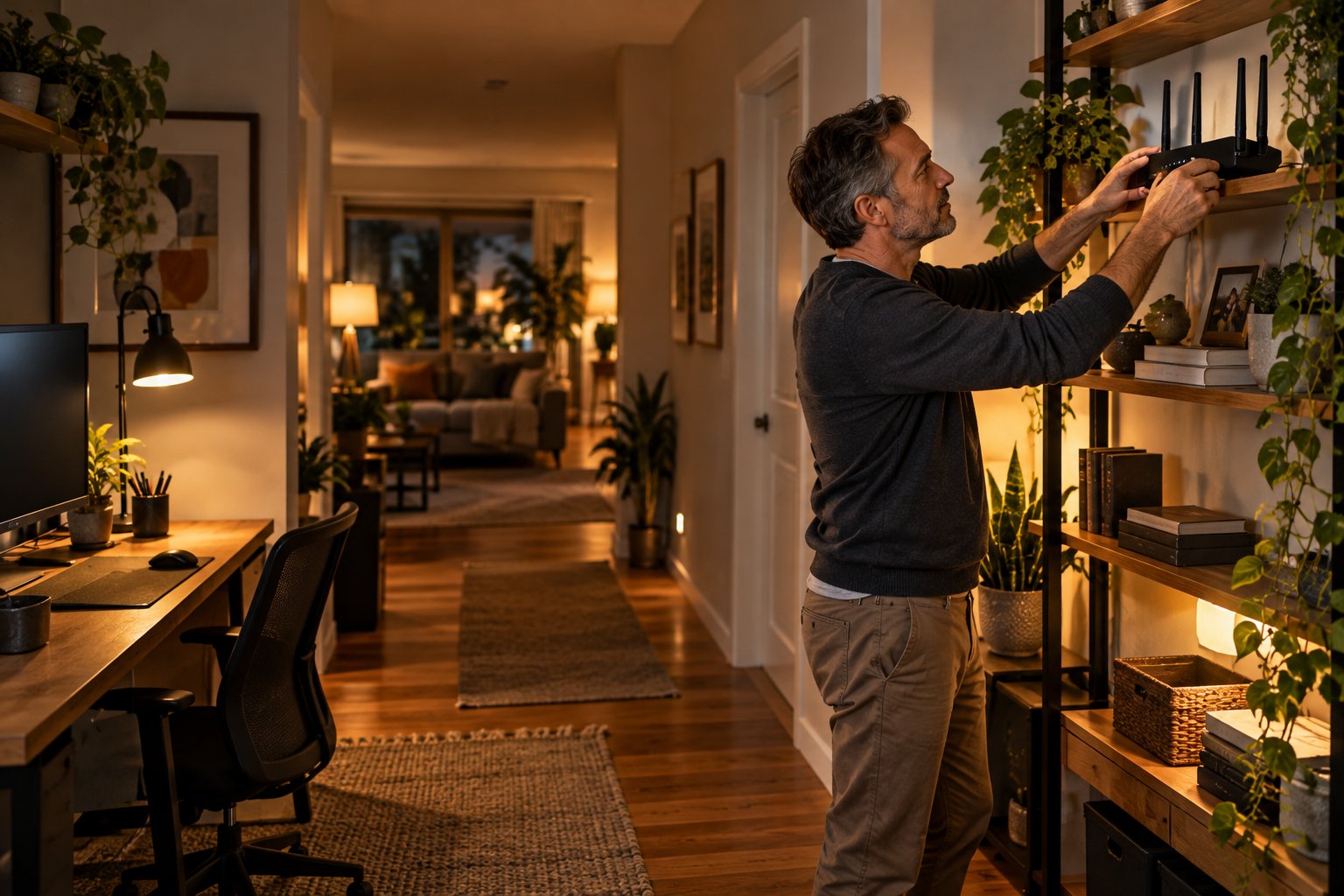
Find the best height for WiFi router placement in your home. Compare shelves, wall mounts and room layouts, then test coverage with easy steps.
Learn how to block WiFi signal in a room with router settings and shielding materials. See what works, what fails, and how to avoid new dead zones.
Want to block WiFi signal in a room? See which materials weaken WiFi, how to change router settings safely, and how to avoid dead zones elsewhere.
What is bridge in computer networking? Compare a network bridge vs router, understand MAC addresses, and choose the right setup for your home WiFi.
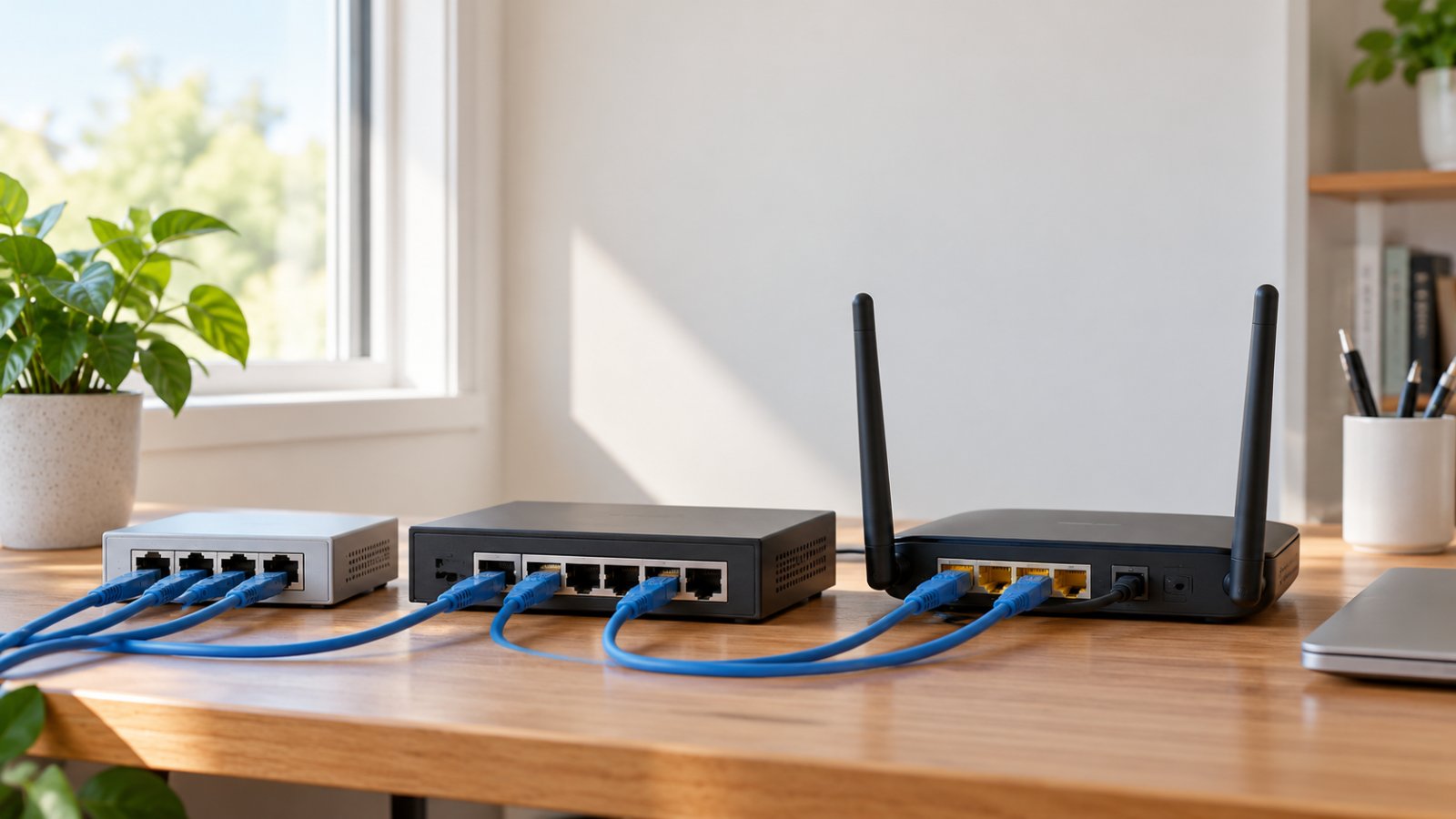
What is a hub in computer networking? Compare hubs, switches and routers, understand collision domains, and pick the right equipment for your home.
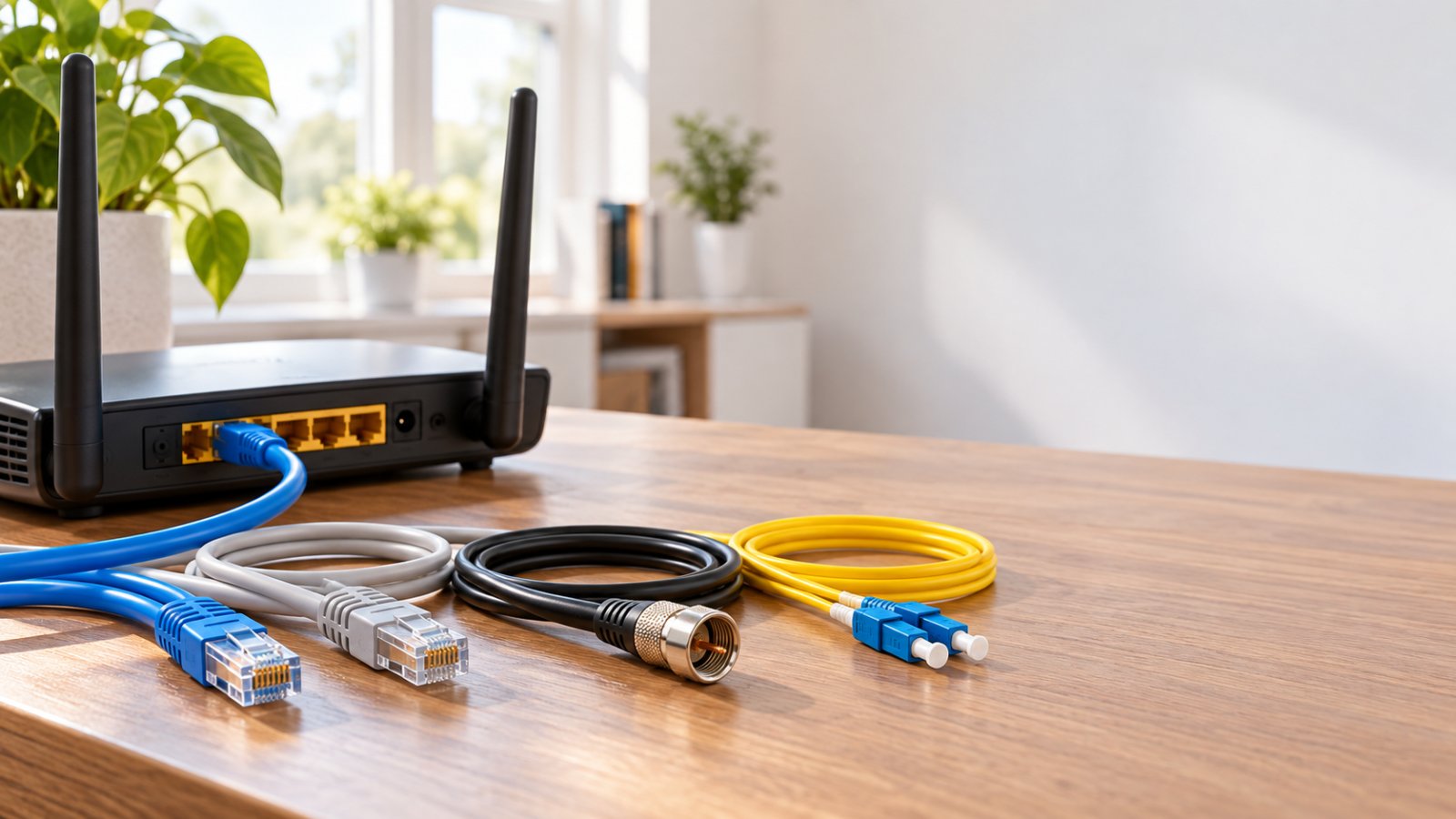
Explore types of computer networking cables, from Cat5e and Cat6 to fiber. Compare speeds, connectors and costs to choose the right cable for your router.
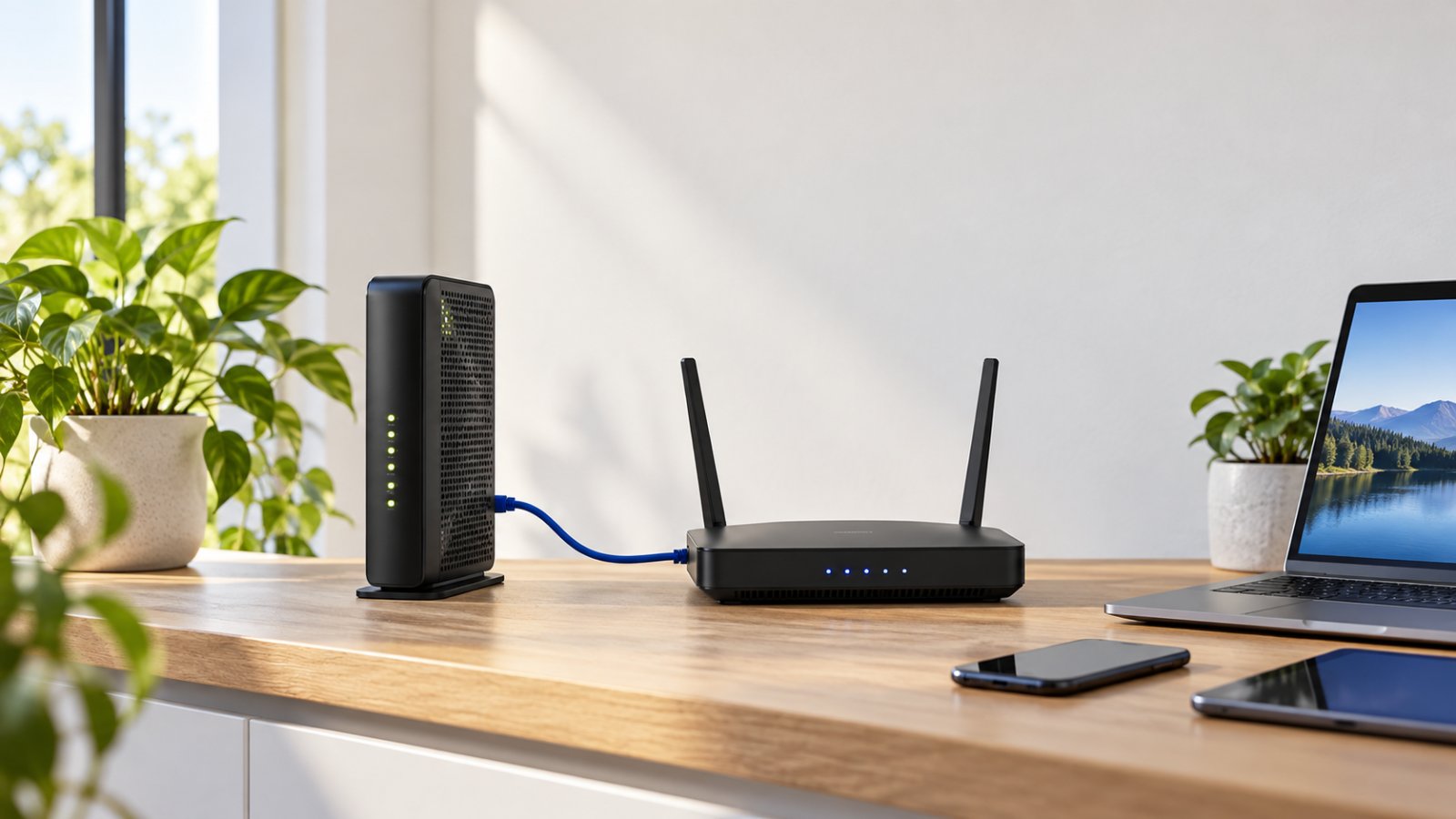
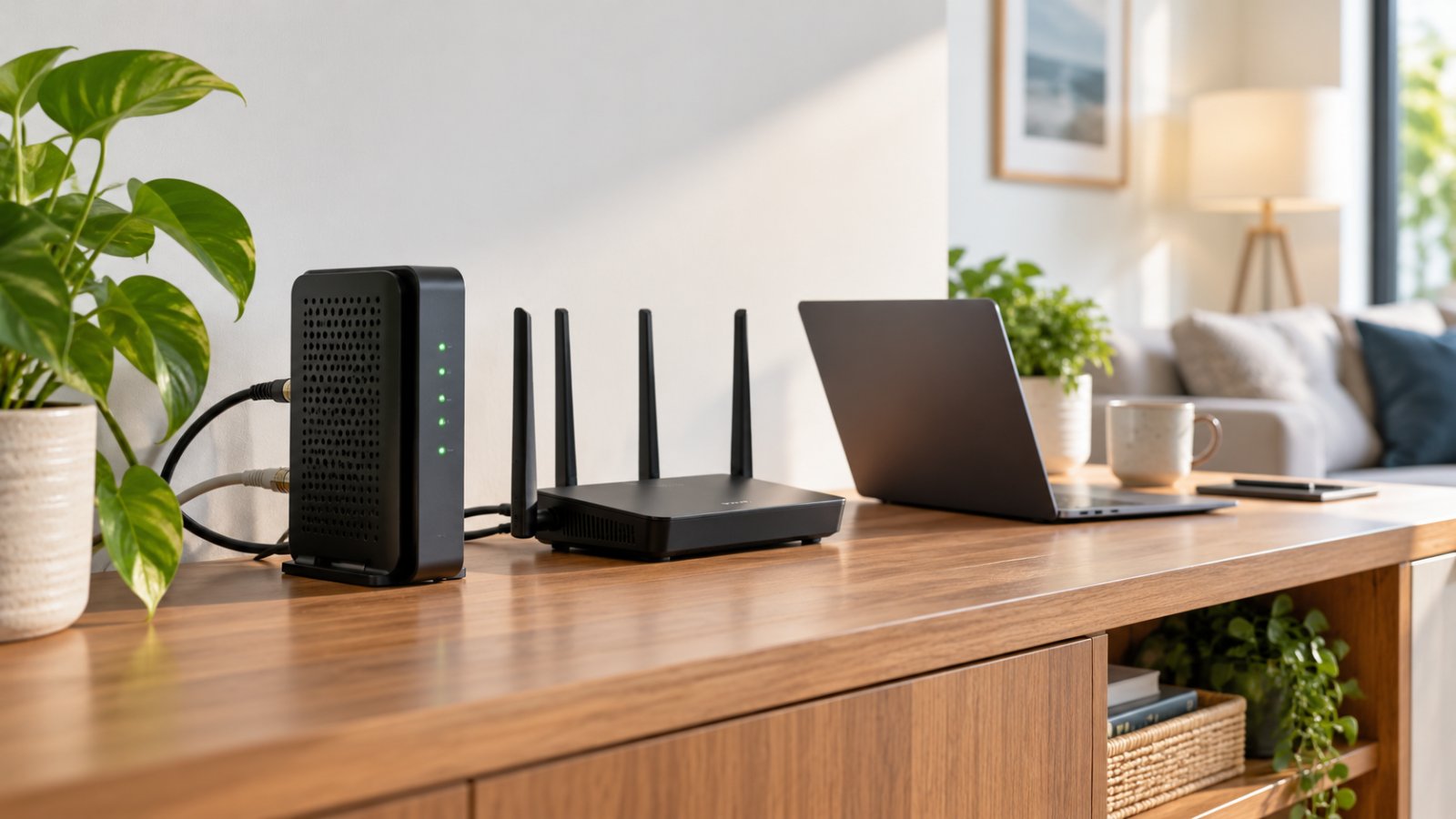
Understand routers wifi modem setups, how a gateway differs from a standalone router, and when dual-band WiFi makes sense for better home coverage.
Our Help Center has step-by-step setup guides for every router, extender and camera.