Your upstairs office has weak WiFi, your gaming console keeps disconnecting, or your outdoor security camera struggles to maintain a stable connection. Running an Ethernet cable seems like the obvious fix until you start shopping and find cables labeled Cat5e, Cat6, Cat6A, Cat7 and Cat8, all promising different speeds.
So, what cables work best for ethernet networking? For most homes, Cat6 Ethernet cables with pure copper conductors offer the best combination of speed, reliability and installation flexibility. Existing Cat5e cables are worth keeping if they work properly. Cat6A makes more sense for permanent 10 Gbps network installations, while outdoor connections require cables with suitable weather-resistant jackets.
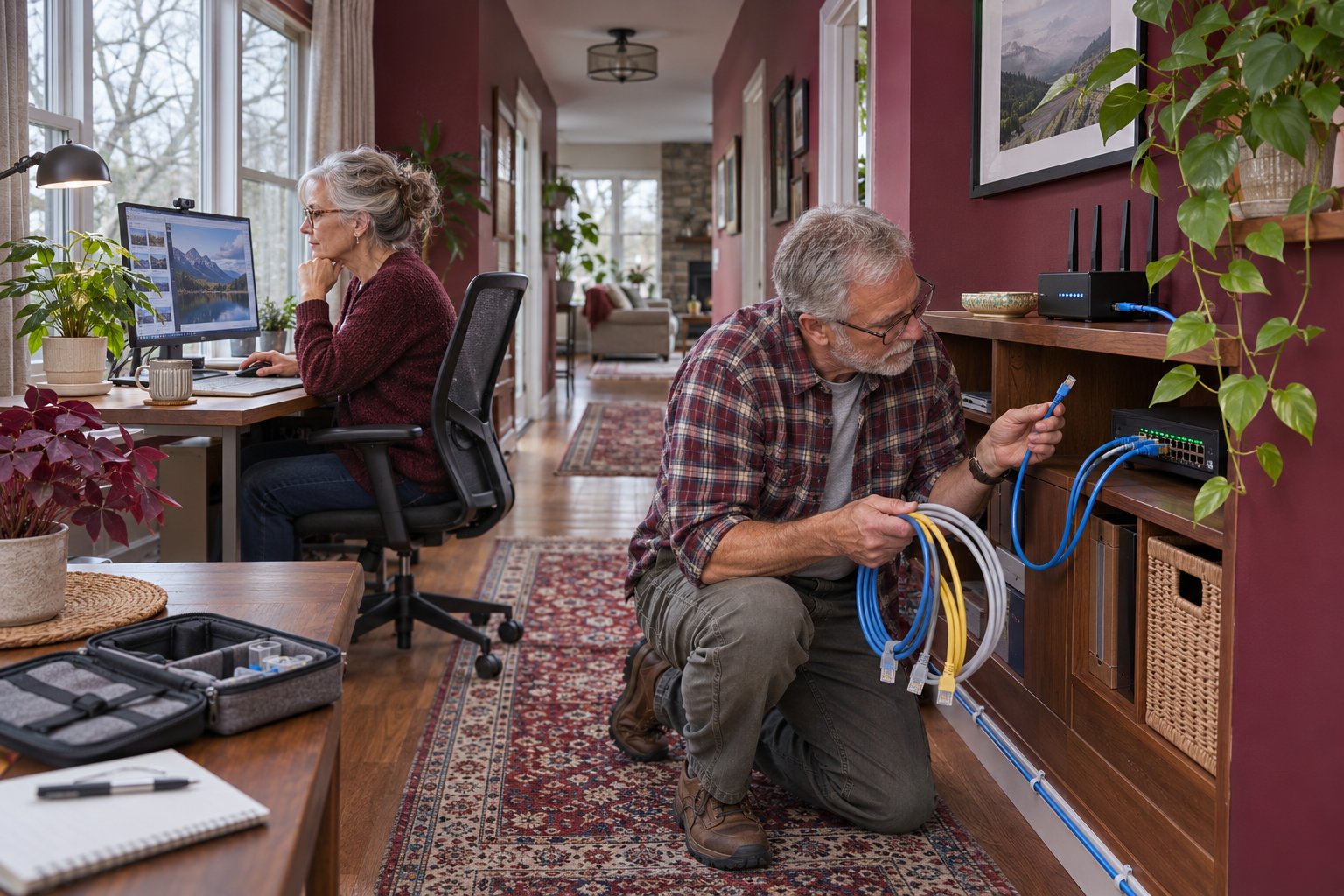
What cables work best for ethernet networking?
Cat6 is the best starting point for most homeowners and renters buying new Ethernet cables. It handles ordinary gigabit connections, supports faster compatible networking equipment and works well for computers, routers, gaming consoles and wired access points.
However, the right cable also depends on where you intend to install it.
A six-foot cable connecting a router to a desktop computer has different requirements from a cable running through an attic to an upstairs bedroom. An outdoor security camera introduces additional concerns, including moisture, sunlight and potentially Power over Ethernet.
Before spending money on a higher cable category, check the Ethernet ports on your existing equipment.
If your router and computer both support a maximum of 1 Gbps, replacing a working Cat5e cable with Cat8 will not increase that connection to 40 Gbps. The equipment determines the maximum available link speed, provided the cable can support it.
How we judged the cable options
The recommendations in this guide are based on established Ethernet performance specifications, installation requirements and compatibility with common residential networking equipment.
The following criteria matter most:
-
Supported speed and distance: The cable must carry the required connection speed across the complete installation.
-
Conductor material: Pure copper is preferable to copper-clad aluminum, particularly for permanent wiring and powered devices.
-
Installation environment: Indoor, outdoor, underground and in-wall installations require different cable jackets.
-
Flexibility and termination: A cable connecting a movable laptop dock should be more flexible than permanent cable installed behind drywall.
-
Equipment compatibility: Routers, switches, computers and access points must support the intended Ethernet speed.
-
Value over time: Permanent wiring deserves more attention to future requirements than an inexpensive, easily replaced patch cable.
For example, spending extra on Cat6A might make sense when renovating a house and installing network outlets in several rooms. Once the drywall is finished, replacing those cables becomes considerably more difficult.
The same upgrade is unnecessary for a short connection between a smart television and a nearby router.
Ethernet cable categories: which one should you buy?
Ethernet cable categories describe the electrical performance requirements that cables and associated components must meet.
Most modern copper Ethernet cables used in homes contain four twisted wire pairs. They connect to familiar rectangular Ethernet sockets using modular connectors commonly called RJ45 plugs.
Twisting the wires helps reduce electrical interference and unwanted signal interaction between pairs.
The different types of Ethernet cables often look almost identical. A thick black cable is not necessarily faster than a thin blue one. Braided jackets, metallic connectors and decorative packaging tell you little about actual networking performance.
Read the category marking printed along the cable jacket and check the manufacturer's specifications before ordering.
Cat5e: best for keeping an existing gigabit network
Cat5e supports 1 Gbps Ethernet across a compliant channel of up to 100 meters, approximately 328 feet. It can also support 2.5 Gbps Ethernet with compatible equipment and suitable installed cabling.
Many houses already have Cat5e cables running between rooms, particularly properties wired before Cat6 became a common residential choice.
Who it is for:
-
Homeowners with existing Cat5e wall outlets.
-
Households using internet plans below 1 Gbps.
-
Smart televisions, printers and desktop computers.
-
Older routers and network switches.
Strengths
Cat5e remains capable of handling demanding everyday activities, including video meetings, large downloads, streaming and online gaming.
It is generally easy to route around furniture and through suitable cable management channels. If the existing cable negotiates the correct connection speed and does not cause disconnections, replacing it offers little immediate benefit.
Limits
Cat5e is not the preferred cable for a planned 10 Gbps home network. Older installations may also contain damaged plugs, badly terminated wall sockets or cable sections that have been crushed during previous renovations.
These faults are separate from the cable category itself.
Suppose you subscribe to a 500 Mbps internet plan and connect your desktop computer through an existing Cat5e wall outlet.
If Windows reports a 1 Gbps Ethernet link and your internet speed is consistent with your subscription, leave the cable alone. Your network wiring already supports more bandwidth than the internet connection provides.
Cat6: best overall for new home Ethernet cables
Cat6 supports gigabit Ethernet over a compliant 100-meter channel. It also supports 2.5 Gbps and 5 Gbps Ethernet with compatible equipment.
Under suitable installation conditions, Cat6 can support 10 Gbps over shorter distances, potentially up to approximately 55 meters. That distance depends on the installation and interference conditions, so it should not be treated as a guaranteed maximum for every cable run.
Who it is for:
-
Home offices.
-
Gaming computers and consoles.
-
Smart televisions.
-
Wired WiFi access points.
-
Compatible security cameras.
-
Connections between routers and network switches.
Strengths
Cat6 gives homeowners room to upgrade beyond ordinary gigabit equipment without immediately moving to a bulkier cable system.
It is particularly useful when replacing an old Ethernet cable that frequently disconnects or installing a new wired connection between rooms.
Unshielded Cat6 is suitable for most ordinary residential environments.
Limits
Cat6 is not automatically suitable for every permanent 10 Gbps installation. Long runs, tightly bundled cables and poor termination can affect performance.
The quality of the connectors and wall jacks also matters. Buying a Cat6 cable and attaching it to unsuitable components does not guarantee Cat6 channel performance.
For a router located downstairs and a computer upstairs, a genuine copper Cat6 cable is usually the sensible purchase.
If you are running it through removable surface cable channels, choose a finished patch cable with factory-installed plugs. If you are installing permanent wall sockets, choose solid-conductor installation cable with compatible jacks.
Cat6A: best for permanent 10 Gbps wiring
Cat6A supports 10 Gbps Ethernet across a compliant channel of up to 100 meters.
Its design provides better control of interference between neighboring cables than ordinary Cat6, making it suitable for installations where several network cables run alongside one another.
Who it is for:
-
Homeowners renovating or building a property.
-
Dedicated home network cabinets.
-
Home servers and network-attached storage.
-
Video editors transferring large files locally.
-
Households planning permanent 10 Gbps networking.
Strengths
Cat6A provides a defined route to 10 Gbps across longer cable runs.
Installing it during construction can avoid the inconvenience of replacing network cables after walls, ceilings and flooring have been finished.
It can also benefit households that regularly move large amounts of data between computers and local storage devices.
You do not need a 10 Gbps internet subscription to benefit from faster local networking.
For example, someone editing video files stored on a NAS can benefit from a faster connection between the editing computer and the storage device, even if the household internet plan is only 500 Mbps.
Limits
Cat6A cables are often thicker and less flexible. They can require larger cable management channels, more space behind wall outlets and compatible patch panels.
The connected equipment must also support 10 Gbps. Installing Cat6A throughout a house does not turn an existing gigabit network switch into a 10 Gbps switch.
Consider the complete installation cost, including wall jacks, switches, network adapters and labor, rather than comparing cable prices alone.
Cat7 and Cat7A: generally unnecessary for home use
Cat7 and Cat7A are recognized under ISO/IEC cabling standards but are not categories defined by the US TIA balanced twisted-pair cabling standards.
Their standardized cabling systems use shielding and connector arrangements that differ from conventional residential Cat6 and Cat6A networks.
Who it is for:
Specialized network installations designed around the appropriate Class F or Class FA cabling requirements.
Strengths
When installed correctly as part of a compatible system, these cables provide substantial protection against electrical interference.
Limits
Many online listings advertise Cat7 cables fitted with ordinary RJ45 plugs. The label alone does not establish that the complete cable assembly meets the requirements of a standardized Class F channel.
For homeowners, these products introduce unnecessary complexity without necessarily improving the connection.
If your router is in a living room, your computer is in a bedroom and you need a reliable wired connection between them, Cat6 is sufficient in most cases.
If you specifically require permanent 10 Gbps wiring using conventional RJ45-compatible equipment, Cat6A is usually the more straightforward option.
Cat8: best reserved for specialized short links
Cat8 is designed for high-speed copper Ethernet connections, including 25 Gbps and 40 Gbps, between compatible networking equipment.
Its intended high-speed channel distance is limited to 30 meters, approximately 98 feet.
Who it is for:
-
Specialized networking installations.
-
Compatible high-speed servers.
-
Short connections between suitable network switches and equipment.
Strengths
Cat8 supports exceptionally high Ethernet link rates when installed within its specified channel requirements and connected to appropriate equipment.
Limits
Most residential routers, gaming consoles, televisions and security cameras cannot use its advertised maximum speeds.
Cat8 is also shielded and can be relatively stiff, making some installations unnecessarily awkward.
Buying Cat8 to reduce gaming latency is particularly unlikely to help if your existing Cat6 cable already provides a stable connection.
Online gaming delays can originate from internet provider congestion, server distance, overloaded network equipment or background downloads.
A higher cable category does not correct those problems.
Before buying Cat8, identify an actual piece of equipment in your home that requires 25 Gbps or 40 Gbps Ethernet. If you cannot identify one, Cat6 or Cat6A is probably a more suitable purchase.
Ethernet cable comparison table
The following comparison uses published Ethernet cabling specifications to show how the main cable categories differ.
Distances apply to compliant channels, including relevant connectors and patch cords. Actual application throughput will be lower than the nominal Ethernet link speed because of networking overhead.
| Cable category | Ethernet capability | Channel distance | Best home use |
|---|---|---|---|
| Cat5e | 1 Gbps; 2.5 Gbps with suitable equipment | Up to 100 m | Existing working wiring |
| Cat6 | 1, 2.5 and 5 Gbps; conditional 10 Gbps | 100 m at lower rates; up to about 55 m at 10 Gbps | Most new purchases |
| Cat6A | 10 Gbps | Up to 100 m | Permanent high-speed wiring |
| Cat7 / Cat7A | 10 Gbps in a compatible standards-based system | Up to 100 m | Specialized installations |
| Cat8 | 25 or 40 Gbps with compatible equipment | Up to 30 m at these rates | Rarely needed at home |
For an ordinary household, the choice generally comes down to three categories.
Keep existing Cat5e wiring if it performs correctly. Buy Cat6 when installing a new device connection. Consider Cat6A when installing permanent wiring that may eventually need to support 10 Gbps.
What to check besides the category number
Two Ethernet cables labeled Cat6 can have very different construction quality and installation requirements.
A cable made from copper-clad aluminum with an unsuitable outdoor jacket is a poor choice for a driveway camera, regardless of the category printed on its packaging.
When comparing types of computer networking cables, look beyond the advertised speed.
Pure copper versus copper-clad aluminum
Choose Ethernet cables made with pure copper conductors.
Copper-clad aluminum, usually abbreviated CCA, consists of aluminum conductors covered with a thin layer of copper. It can appear in inexpensive network cable listings that advertise impressive performance specifications.
Aluminum has greater electrical resistance than copper.
Cabling guidance from Fluke Networks explains why electrical resistance and resistance imbalance deserve particular attention in Power over Ethernet installations.
A cable carrying power to a camera or access point must handle electrical current as well as network data. Greater resistance can increase voltage drop and heating, particularly over longer runs.
When reading an online product listing, look for:
-
Pure copper conductors.
-
Bare copper conductors.
-
A clearly identified conductor material.
-
Recognizable manufacturer specifications.
-
Appropriate category compliance.
Avoid listings that explicitly identify the conductors as CCA.
Be cautious when a product advertises copper-colored connectors but says nothing about the wires inside the jacket. The connector finish does not tell you what the cable conductors are made from.
Also remember that pure copper and solid copper construction describe different characteristics. A flexible stranded cable can use pure copper conductors.
Stranded patch cable versus solid installation cable
Computer network cables generally use either stranded or solid conductors.
Choosing the wrong construction can make an otherwise straightforward installation harder to maintain.
Stranded patch cables
Stranded conductors contain multiple smaller wire strands. This construction provides flexibility, making it suitable for connections that may move during everyday use.
Use stranded patch cables for:
-
Connecting a laptop docking station.
-
Connecting a gaming console.
-
Wiring a desktop computer to a nearby wall outlet.
-
Connecting a router to a network switch.
-
Short connections behind televisions.
Factory-terminated patch cables are convenient because the connectors are already installed. You do not need a crimping tool or experience terminating Ethernet wires.
Solid installation cables
Solid-conductor cable uses a single conductor for each wire. It is commonly used for permanent network installations terminating at wall jacks and patch panels.
Use solid installation cable for permanent routes through suitable walls, ceilings and dedicated network pathways.
Match the wall jacks and patch panel to the cable category and conductor size. A connector designed exclusively for stranded conductors may not terminate solid cable correctly.
A typical permanent Ethernet channel allows 90 meters of fixed wiring plus a combined 10 meters of patch cords under standard design conditions.
Measure the complete channel rather than assuming the cable inside the wall is the only distance that matters.
Unshielded versus shielded Ethernet cable
Unshielded twisted-pair cable is commonly identified as UTP or U/UTP.
It is the appropriate choice for most residential Ethernet connections, including home offices, gaming setups and wired WiFi access points.
Shielded Ethernet cables include additional conductive material designed to reduce interference.
However, shielding is not simply an optional performance upgrade. It must be installed and bonded correctly as part of a compatible cabling system.
For most homeowners, ordinary unshielded Cat6 is easier to install and maintain.
Consider professional advice if your proposed network cable route passes near:
-
Large electrical motors.
-
Heavy workshop machinery.
-
Electrical distribution equipment.
-
Areas with substantial electromagnetic interference.
Where practical, route Ethernet away from mains electrical wiring.
Do not run network cables through existing electrical conduits simply because there is space available. Electrical separation and installation requirements must be respected.
A qualified installer can identify a suitable route when network and electrical wiring occupy the same general area.
Round versus flat cable
Round Ethernet cables are a sensible default for most installations.
They work with common cable clips, surface raceways and structured network wiring accessories. They are also widely available in different conductor sizes and jacket ratings.
Flat Ethernet cables can be useful in rental properties where the homeowner or tenant wants a less visible connection along a baseboard.
A reputable flat patch cable that meets its advertised category requirements can work perfectly well. Its shape alone does not determine its performance.
Check the conductor material, supported category and suitability for the planned installation length before buying.
Avoid routing either flat or round Ethernet cables:
-
Under rugs in frequently used walkways.
-
Through door gaps where the door can compress them.
-
Around sharp furniture edges.
-
Beneath heavy furniture legs.
-
Through openings that repeatedly pinch the jacket.
A removable surface raceway is often a better solution for renters.
It keeps the cable protected and organized without requiring permanent wall wiring. Choose removable mounting products compatible with the wall finish if you are concerned about damage when moving out.
Indoor, in-wall and outdoor cable jackets
The outer jacket protects the conductors against the conditions surrounding the cable.
A standard indoor patch cable may work initially when installed outside, but it is not designed for prolonged exposure to sunlight, moisture or changing outdoor temperatures.
For exterior installations, look for an Ethernet cable explicitly rated for outdoor use and UV exposure.
Outdoor camera installations also need appropriate protection where the cable connects to the camera.
The cable jacket may resist moisture, but an exposed connector can still allow water to reach the electrical contacts.
Underground installations require additional consideration.
Even when a cable runs through underground conduit, moisture can accumulate inside that conduit. Use cabling rated for the intended underground conditions rather than ordinary indoor Ethernet cable.
For permanent wiring through interior walls and ceilings, choose the appropriate listed communications cable type for the building and installation location.
Outdoor-rated cable is not necessarily suitable for unrestricted indoor installation. When a route crosses from outside into a building, the transition may require different cable ratings, weather sealing and electrical protection.
These considerations matter more than upgrading from Cat6 to a higher category.
How to choose the right cable for your home
For a router, modem or fiber internet terminal
Use a short Cat6 patch cable between your modem or fiber optical network terminal and your router.
Connect the incoming Ethernet cable to the router's WAN or Internet port. Your computers, network switches and other wired devices connect to its LAN ports.
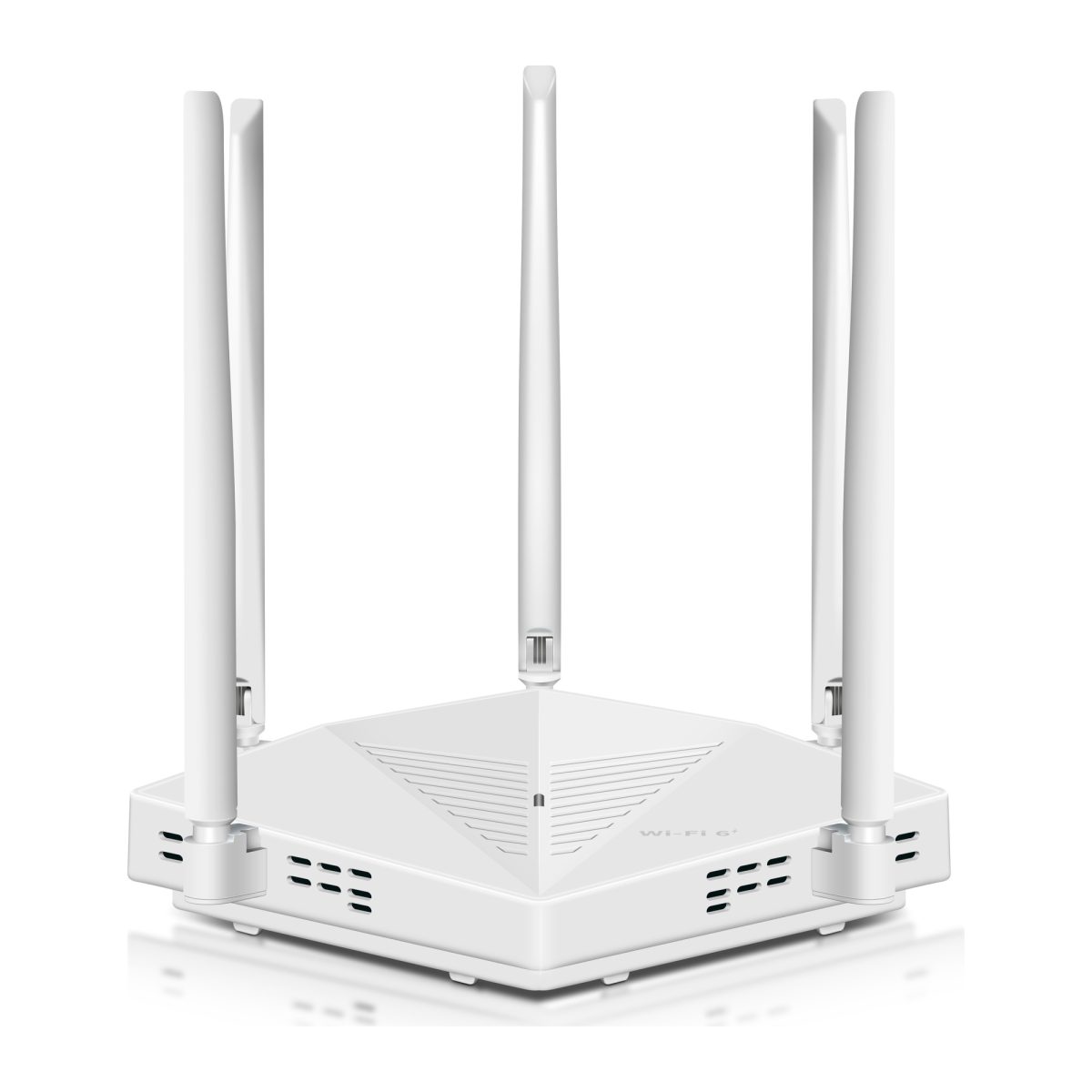
If you are unsure which socket to use, the ROOXIS AC1200 router setup guide explains where the incoming Ethernet connection belongs.
Before replacing a cable to improve internet speed, check the router's WAN and LAN port specifications.
A router with a 1 Gbps WAN port cannot deliver the full capacity of a 2 Gbps internet subscription through that port, even when connected using Cat8.
Some routers also include several ordinary gigabit ports and a separate faster port. Connecting your computer to the wrong socket can prevent you from using the faster connection you paid for.
Check the labels beside each port or consult the manufacturer's specifications.
For gaming, streaming and working from home
Cat6 is a practical choice for connecting gaming consoles, desktop computers, smart televisions and laptop docking stations.
Measure the route along walls and behind furniture before ordering.
A router might be only 12 feet from your computer in a straight line, but reaching it neatly around furniture and doorways may require a considerably longer cable.
Leave enough extra length to move the computer slightly or access the router without pulling on the connectors.
A wired connection can improve:
-
Video call stability.
-
Gaming connection consistency.
-
Large file downloads.
-
Streaming reliability.
-
Local file transfers.
The improvement comes from removing the wireless portion of the connection, not from buying the cable with the highest advertised speed.
If your television shows a 100 Mbps Ethernet connection, check its hardware specifications before assuming the cable is faulty.
Some televisions use 100 Mbps network ports. That connection can still provide sufficient bandwidth for typical streaming services, including many 4K streams.
Replacing the cable with Cat8 will not change the television's port speed.
For fixing an upstairs WiFi dead zone
A weak WiFi signal upstairs is often caused by distance, walls and floors between the router and the connected devices.
Instead of repeatedly moving a wireless extender around the house, consider running Ethernet to the upstairs location.
Connect a Cat6 cable from a router LAN port to a compatible access point or WiFi extender that supports Access Point Mode.
This gives the upstairs device a wired network connection instead of relying on a weak signal from downstairs.
Before purchasing equipment, check its Ethernet port speed.
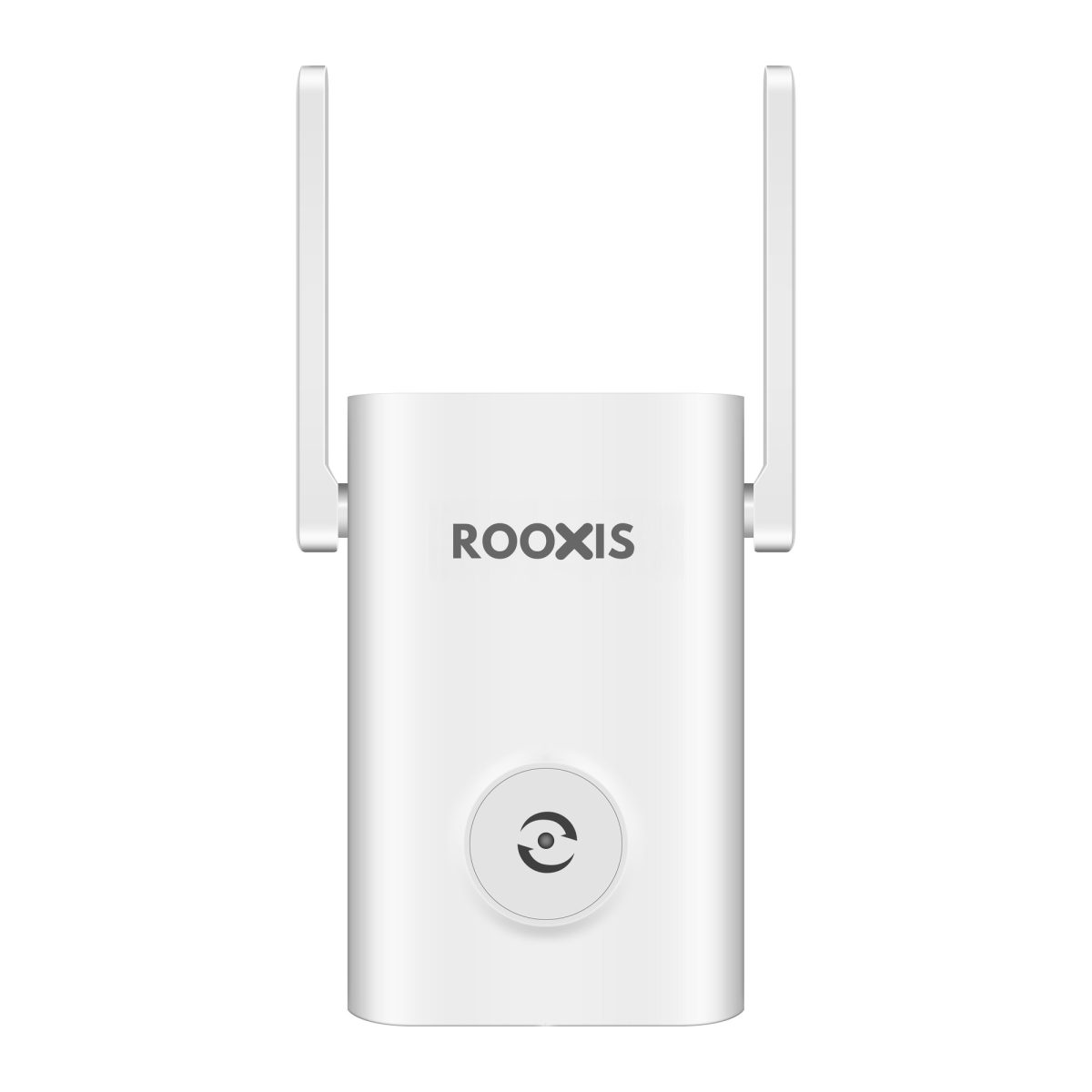
For example, the AC1200 extender listed on the ROOXIS website has a 10/100 Mbps Ethernet port. Its wired connection is limited by that port, even if you connect it using Cat6A.
For basic browsing and ordinary household activities, that capacity may be sufficient. If you want an upstairs access point to serve several demanding devices through a faster wired connection, look for equipment with a gigabit or faster Ethernet port.
Also confirm that the device supports the operating mode you intend to use. An Ethernet socket does not necessarily mean every extender supports wired access point operation.
For outdoor security cameras
Start by checking how the camera receives both network data and electrical power.
There are several common arrangements:
-
WiFi cameras powered by a separate electrical adapter.
-
Ethernet cameras requiring separate electrical power.
-
Power over Ethernet cameras receiving power and data through the same network cable.
Do not assume an Ethernet port automatically indicates PoE compatibility.
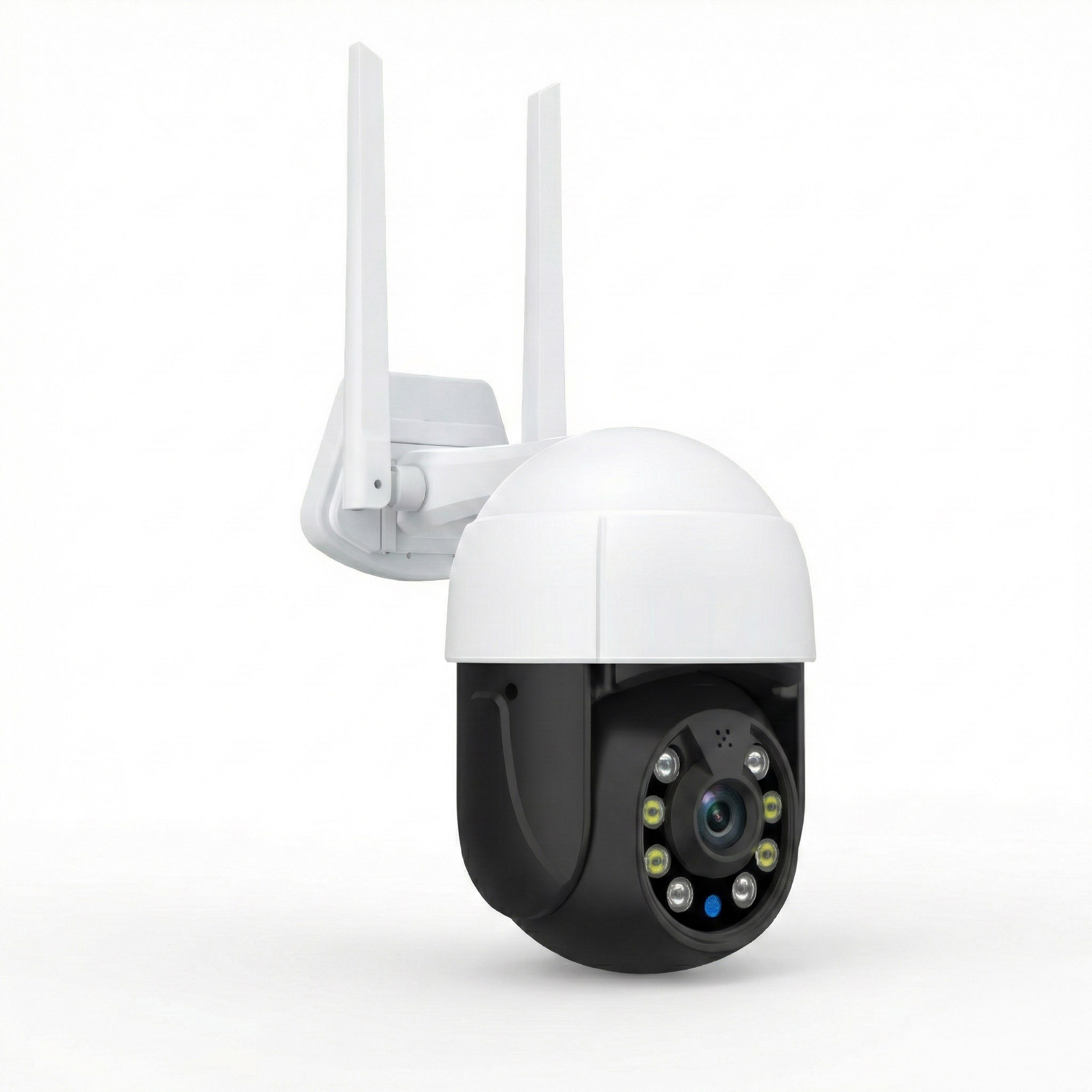
For a compatible PoE security camera installed on the exterior of the same building, outdoor-rated pure copper Cat6 is a sensible starting point.
You will also need a compatible PoE switch or injector.
Check the camera's power requirements against the equipment's supported PoE standard, per-port power capacity and total available power budget.
When installing several cameras, the switch must have enough total power for all connected devices, not just enough power for an individual camera.
Pay particular attention to connector protection. Follow the camera manufacturer's instructions for waterproof connector assemblies and cable entry points.
Avoid leaving exposed Ethernet plugs where rainwater can reach them.
If the installation involves a detached garage, garden office or separate building, consider professionally installed fiber instead of copper Ethernet between the structures.
Fiber avoids an electrically conductive data path between buildings. The equipment at the destination will still need local power.
For a renovation or new construction
If walls are already open during a renovation, installing Ethernet cable at that stage can save considerable work later.
Start by identifying where wired network connections would be useful.
Common locations include:
-
Home office desks.
-
Television and entertainment areas.
-
Upstairs bedrooms.
-
Ceiling-mounted WiFi access points.
-
Network storage locations.
-
Suitable security camera connection points.
Plan individual cable runs back to a central network location where your router, switch or patch panel will be installed.
Cat6 is suitable for many residential installations. Cat6A is worth considering if you expect to install 10 Gbps equipment or want permanent wiring capable of supporting that speed across longer runs.
Ask the installer to label both ends of every cable.
For example, a cable terminating in the upstairs office should have a corresponding label at the central patch panel. That makes troubleshooting substantially easier when several rooms have Ethernet outlets.
Request appropriate performance test results for the completed installation.
A basic continuity tester can confirm that conductors are connected in the correct order. It does not establish that the finished installation meets Cat6 or Cat6A performance requirements.
How to buy and test an Ethernet cable without wasting money
Check the product listing before ordering
Online stores frequently advertise Ethernet cables using large speed claims, decorative packaging and phrases suggesting exceptional gaming performance.
Ignore those claims until you have checked the actual product specifications.
Use the following checklist:
-
Cable category: Choose Cat6 for most new residential connections.
-
Conductor material: Look for pure copper or bare copper rather than CCA.
-
Cable length: Measure the intended route, including bends and connection points.
-
Jacket rating: Confirm suitability for indoor, outdoor or permanent installation.
-
Cable construction: Choose stranded patch cable for flexible device connections and solid installation cable for permanent wiring.
-
Manufacturer details: Look for identifiable specifications and relevant safety listings.
-
Connector compatibility: Confirm that connectors and termination hardware suit the cable construction.
Avoid purchasing unnecessarily long cables simply because the price difference appears small.
A large coil behind a desk makes cable management harder and can encourage tight bends or accidental damage.
On the other hand, a cable that barely reaches the router can place unnecessary strain on its connector.
Choose a length that follows the intended route comfortably and leaves enough slack for normal access to the equipment.
Verify the cable after connecting it
Once the Ethernet cable is installed, check the negotiated link speed rather than judging its performance solely by how quickly a website loads.
On Windows 11:
-
Connect the Ethernet cable to your computer and a working router LAN port.
-
Open Settings.
-
Select Network & internet.
-
Open Ethernet.
-
Find the connection properties and look for the link speed.
The precise menu wording may vary between Windows versions.
If both connected ports support gigabit Ethernet, a sound gigabit connection should normally report a link rate of 1,000 Mbps.
If the computer reports only 100 Mbps, investigate before spending money on a higher cable category.
Start with these checks:
-
Disconnect and reconnect both cable ends until the plugs latch securely.
-
Confirm that both Ethernet ports support gigabit or faster connections.
-
Replace the cable temporarily with a known working Cat5e or Cat6 patch cable.
-
Try another suitable LAN port and inspect any intermediate wall sockets or network switches.
-
Temporarily disable WiFi on the computer before running an internet speed test.
Gigabit Ethernet uses all four wire pairs in an ordinary twisted-pair Ethernet cable. A damaged conductor or poor termination can prevent a gigabit connection from negotiating correctly.
A cable may therefore continue providing internet access while operating at a lower speed than expected.
If your computer connects at 1 Gbps using a short patch cable directly connected to the router but drops to 100 Mbps when using the wall outlet, investigate the permanent wiring and its termination.
That comparison can help you avoid replacing a functioning router.
Understand the difference between link speed and internet speed
Your Ethernet link speed describes the connection between networking devices. Your internet speed depends on additional factors, including your subscription and your internet provider's network.
For example, a computer can have a 1 Gbps Ethernet link while receiving approximately 300 Mbps internet throughput on a 300 Mbps subscription.
That does not indicate a defective cable.
If you want to examine performance within your home network, transfer a large file between two suitably equipped wired computers or use a local network testing tool such as iPerf3.
Remember that storage drive performance, computer hardware and intermediate switches can also limit local transfer speeds.
For most homes, there is little reason to make Ethernet cable shopping complicated. Buy genuine copper Cat6 in the correct length and jacket type, protect it from physical damage, and verify the negotiated connection speed after installation.
Keep working Cat5e cables where they already meet your requirements. Reserve Cat6A for permanent installations that can benefit from its defined 10 Gbps capability.
FAQ
Is Cat6 or Cat6A better for home networking?
Cat6 is better for most everyday home networking connections because it supports common residential Ethernet speeds and is relatively easy to install. Cat6A is preferable when installing permanent 10 Gbps wiring, particularly if the cables will be difficult to replace later. Both require compatible networking equipment to deliver their supported speeds.
Can a Cat8 Ethernet cable make my internet faster?
Cat8 will not increase internet speed if your subscription, router or connected device is already limiting the connection. Replacing a damaged cable may restore lost performance, but a functioning Cat5e or Cat6 cable supporting the same Ethernet link speed can achieve the same result. Most residential networking equipment cannot use Cat8's maximum advertised speeds.
Does a longer Ethernet cable slow down the internet?
A compliant Ethernet cable operating within its supported channel distance does not progressively reduce its negotiated connection speed simply because it is longer. Excessive cable length, damaged conductors and poor termination can introduce errors or cause a lower link rate. Standard gigabit Ethernet supports compliant copper channels of up to 100 meters.
What Ethernet cable should I use for a PoE security camera?
Pure copper Cat5e or Cat6 can support compatible standards-based PoE cameras when installed according to equipment requirements. For a new exterior installation, outdoor-rated pure copper Cat6 is a sensible choice. Use compatible PoE equipment and protect the cable connectors against moisture.
How can I tell which Ethernet cable category I already have?
Read the markings printed along the outer cable jacket and look for Cat5e, Cat6 or Cat6A. These markings usually repeat along the cable's length. If the markings are missing, consult the manufacturer's specifications because cable thickness, color and appearance cannot reliably establish its category.
Can I connect Cat6 cables to Cat5e wall outlets?
Yes, ordinary RJ45-compatible Cat6 patch cables can connect to Cat5e wall outlets. However, attaching a Cat6 cable does not upgrade the permanent Cat5e wiring behind the wall. The performance of the complete channel depends on its installed components and workmanship.