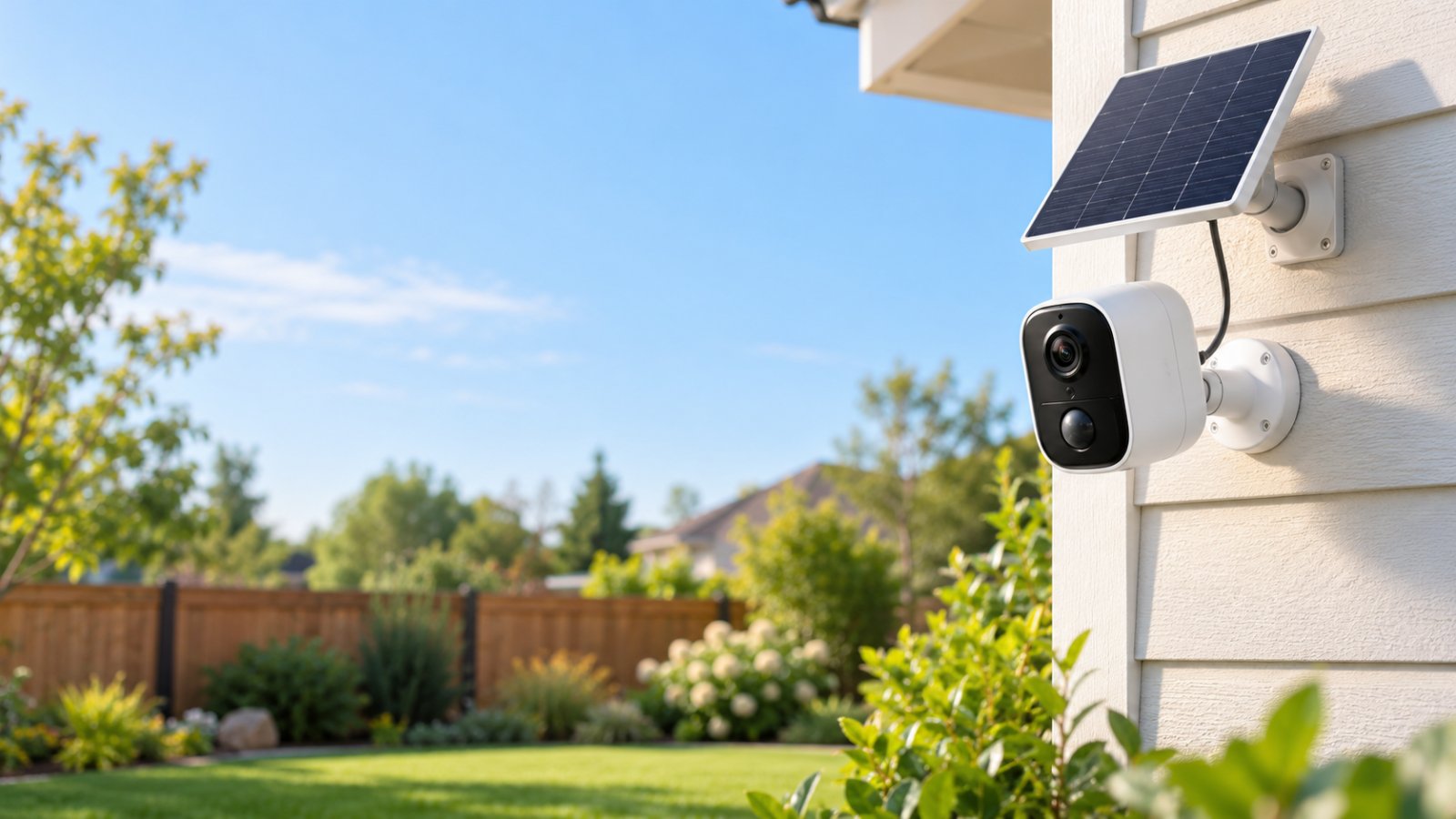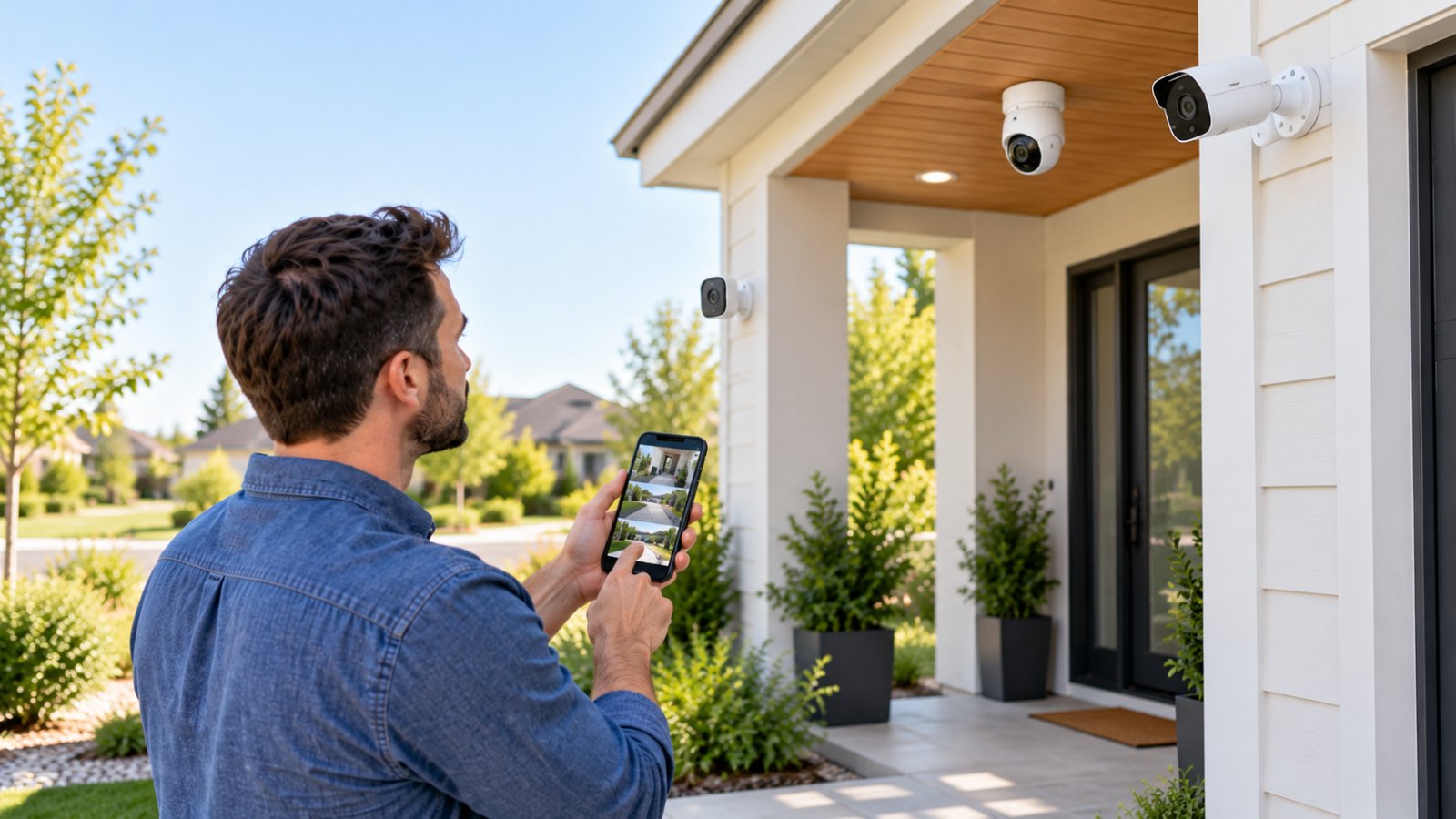
Yes, security cameras without wifi can record video without a home wireless network or an internet connection. Some save footage to a MicroSD card or a wired recorder, while 4G LTE models use mobile data when you also need remote access. The right choice depends on whether you need a record of what happened, a live view from elsewhere, or both.
Before shopping, separate three things that often get mixed up: WiFi, internet access, and recording. A camera can record without internet, use Ethernet instead of WiFi, or connect over cellular data. Those are different arrangements, with different costs and limitations.
How Security Cameras Work Without WiFi
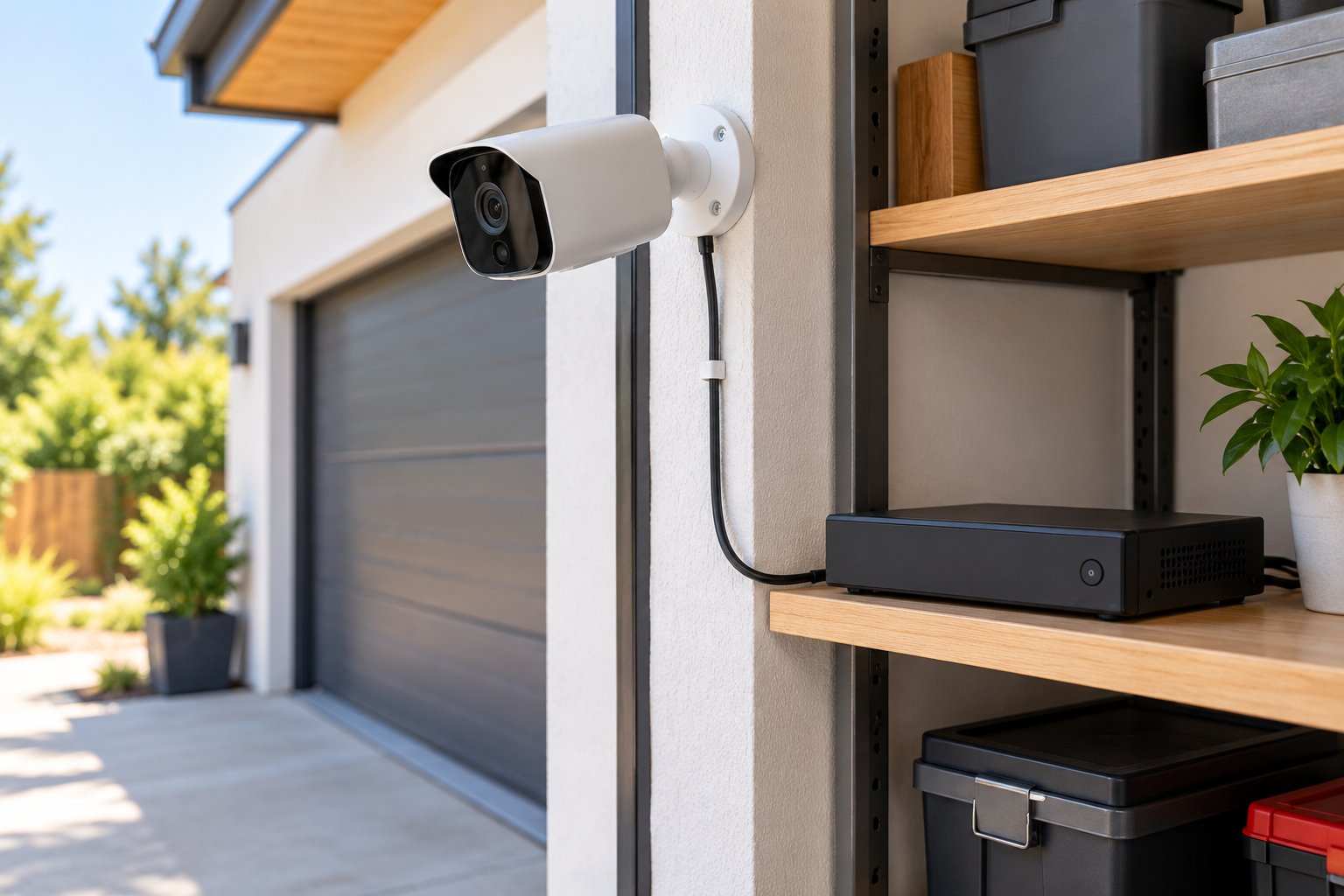
A camera needs power and somewhere to store its video. It does not always need a wireless router. With an offline setup, footage is written to storage inside the camera or to a recorder connected by cable. With a cellular setup, the camera can use a mobile network instead of your home broadband.
The first question to ask is simple: Where does the footage go if the internet goes down? If the answer is a card or hard drive on the property, local recording may continue. If the answer depends entirely on a cloud service, it may not. Confirm the actual behavior in the manual, not just the presence of a storage slot.
Local Storage via MicroSD and Hard Drives
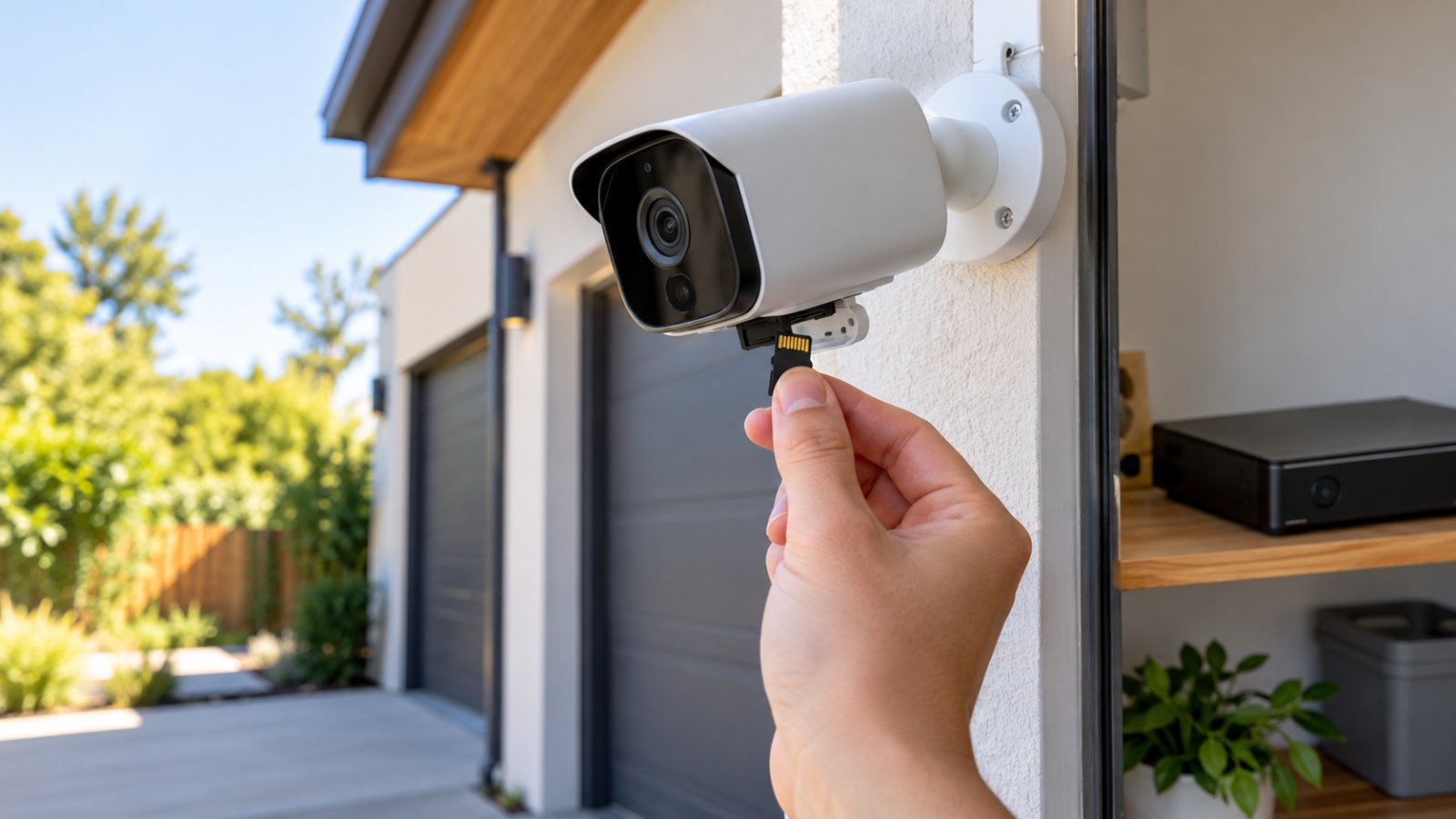
A MicroSD card is the most compact form of local video storage. It sits inside a compatible camera, which saves clips directly to the card. Depending on the model, you may be able to choose continuous recording, motion-activated recording, or a schedule that combines the two.
For example, a camera watching a locked garage could save a clip whenever someone approaches the door. A camera watching a busy delivery entrance might be better set to record continuously so you can see what happened before motion detection triggered.
A hard drive usually lives in a separate recorder rather than inside the camera. Several cameras can feed video to that recorder over cables, leaving one place to review footage. It also keeps the storage device away from the cameras, which matters if an outdoor camera is damaged or removed.
Neither choice automatically guarantees offline security camera recording. Some cameras require initial activation through an app. Others can write to a card when the internet is down but stop if the local WiFi network disappears. Look for a clear statement that the specific model supports independent recording, and test it before mounting the camera permanently.
Power matters just as much as storage. A plugged-in camera will not record during a power cut unless the camera and any necessary recorder, switch, or power supply have backup power. A battery camera has a different limit: how long its battery lasts under the chosen recording settings.
Cellular 4G and LTE Data Connections
Cellular wireless security cameras connect through a supported mobile network using a SIM or eSIM. They are useful where home broadband is unavailable but the site has a usable 4G LTE cellular signal. Think of a field gate, temporary work area, or shed that is too far from the house for reliable WiFi.
A suitable cellular camera can let you check live video remotely and receive app notifications when its mobile connection is working. Some models also save footage locally, so a temporary signal failure does not necessarily mean every recording is lost. That fallback must be supported by the individual model.
There are practical costs. The camera needs an active data plan, and viewing long stretches of live video can use a substantial amount of that allowance. Check whether the device accepts your preferred carrier, which LTE bands it supports, and whether the data plan places restrictions on camera use.
Test coverage at the exact mounting spot. A phone showing service beside the house does not prove a camera will connect inside a metal shed or behind a thick wall. If you plan to use a battery or solar-powered model, make sure its power arrangement matches the recording frequency, weather, and available sunlight.
Cellular is a substitute for home broadband, not a substitute for network coverage. Without a working mobile connection, remote viewing and phone alerts cannot reach you.
Best Storage Options for Offline Security Cameras
Start with how much video you need to keep and how easily you can retrieve it. A single card can be enough for an entrance camera, but several cameras recording around the clock are usually easier to manage through one recorder. Whichever method you use, test retrieval before trusting the footage as a security record.
Standalone MicroSD Card Recording
A local storage security camera with a MicroSD slot can keep installation tidy. There is no separate recorder to find space for, and compatible models can save video locally without paying for cloud storage.
Buy a card that matches the camera's supported capacity and speed requirements. Prefer a high-endurance card intended for repeated video writing, because security cameras regularly overwrite files. Format the card in the camera if the manual recommends it. Do not assume a large card will be accepted just because it physically fits.
Two settings determine how much useful footage stays available:
-
Loop recording: When storage is full, the camera replaces older recordings according to its retention rules. This keeps recording from stopping at a full card, but it can erase footage you meant to save.
-
Motion-activated recording: Video is saved when the camera detects movement. This conserves space, though it can miss activity if the detection zone is too narrow or sensitivity is too low.
Walk through the camera's field of view after setting motion detection. Try the route a person would actually take to the door or gate. Then review the saved clip. If the recording starts too late or cuts off too early, adjust the available pre-recording, clip length, or detection settings if the camera offers them.
Card size by itself does not tell you how many days of video you will retain. Resolution, compression, frame rate, scene activity, and recording schedule all affect storage use. Let the camera run under normal conditions, check the available recording history, and adjust settings based on what it actually produces.
A card inside the camera is also inside the part of the system someone could steal. If footage is important, export it promptly to a separate, secure location. Check the card for recording errors during routine maintenance and replace it if the camera repeatedly fails to write or read files.
Dedicated NVR and DVR Wired Systems
An NVR system is a Network Video Recorder that works with compatible digital IP cameras. In a common wired arrangement, cameras send footage over Ethernet. Power over Ethernet (PoE) can carry video data and electrical power through the same Ethernet cable, provided the camera and the PoE equipment support the required standard.
For a house with several cameras, you might connect PoE cameras to the PoE ports on a compatible NVR, then attach a monitor to the recorder for playback. Other installations use a separate PoE switch and a local network. Check the recorder's channel count, supported camera models, cable limits, and power budget before buying parts separately.
A DVR system generally records from compatible analog cameras connected through coaxial video cable. The cameras also need the appropriate power source. A DVR can be a sensible way to keep an existing coaxial installation in service, but its cameras and cabling are not automatically interchangeable with those used by an NVR.
Both systems can record to a local hard drive without an active internet connection when designed for standalone use. The recorder, cameras, cables, and any switches still need power and functioning local connections. For playback, many recorders support a directly attached monitor and mouse.
A wired recorder is worth considering when you need:
-
Continuous footage from several cameras without relying on wireless coverage.
-
One searchable recording timeline instead of several separate MicroSD cards.
-
Storage located indoors or in a locked cabinet, away from outdoor cameras.
-
Direct playback during a broadband outage.
Do not buy an NVR solely because the camera description says IP camera. Compatibility can depend on supported protocols, video formats, resolution, and authentication methods. Verify that the recorder can recognize the exact camera and that playback works without an online account.
Place the recorder where it has ventilation and is not easy to unplug or remove. If power cuts are common, a correctly sized uninterruptible power supply may keep the recorder, cameras, and network switch running briefly. Back up important clips separately; a failed or stolen recorder can still mean lost recordings.
Security Cameras Without WiFi: Which Setup Fits Your Property?
The connection method tells you more than the words wireless or offline on a product listing. Compare where the footage is stored, what the camera needs to stay online, and how you would view a clip after an incident.
| Setup | Home WiFi needed? | Where footage goes | Remote viewing away from home | Best suited for |
|---|---|---|---|---|
| Standalone camera with MicroSD | No, if independent recording is supported | Card inside camera | Not without another supported connection | One door, garage, or outbuilding |
| PoE IP cameras with NVR | No | Hard drive in local recorder | Only with separately configured network access | Several fixed camera positions |
| Analog cameras with DVR | No | Hard drive in local recorder | Only with separately configured network access | Properties with suitable coaxial wiring |
| 4G LTE cellular camera | No home WiFi | Local card and/or supported remote storage | Yes, with working cellular service | Sites with mobile coverage but no broadband |
| WiFi camera with local recording | Yes for its WiFi link, though internet may not be required to record | MicroSD card or compatible recorder | Only with a supported internet connection | Homes where WiFi coverage can be improved |
A weak signal at the back fence is not the same problem as having no broadband at all. Likewise, avoiding a cloud subscription is not the same as needing a camera that never connects to a network. Decide which issue matters first, then choose the hardware around it.
Trade-offs: What You Get vs What You Lose Offline
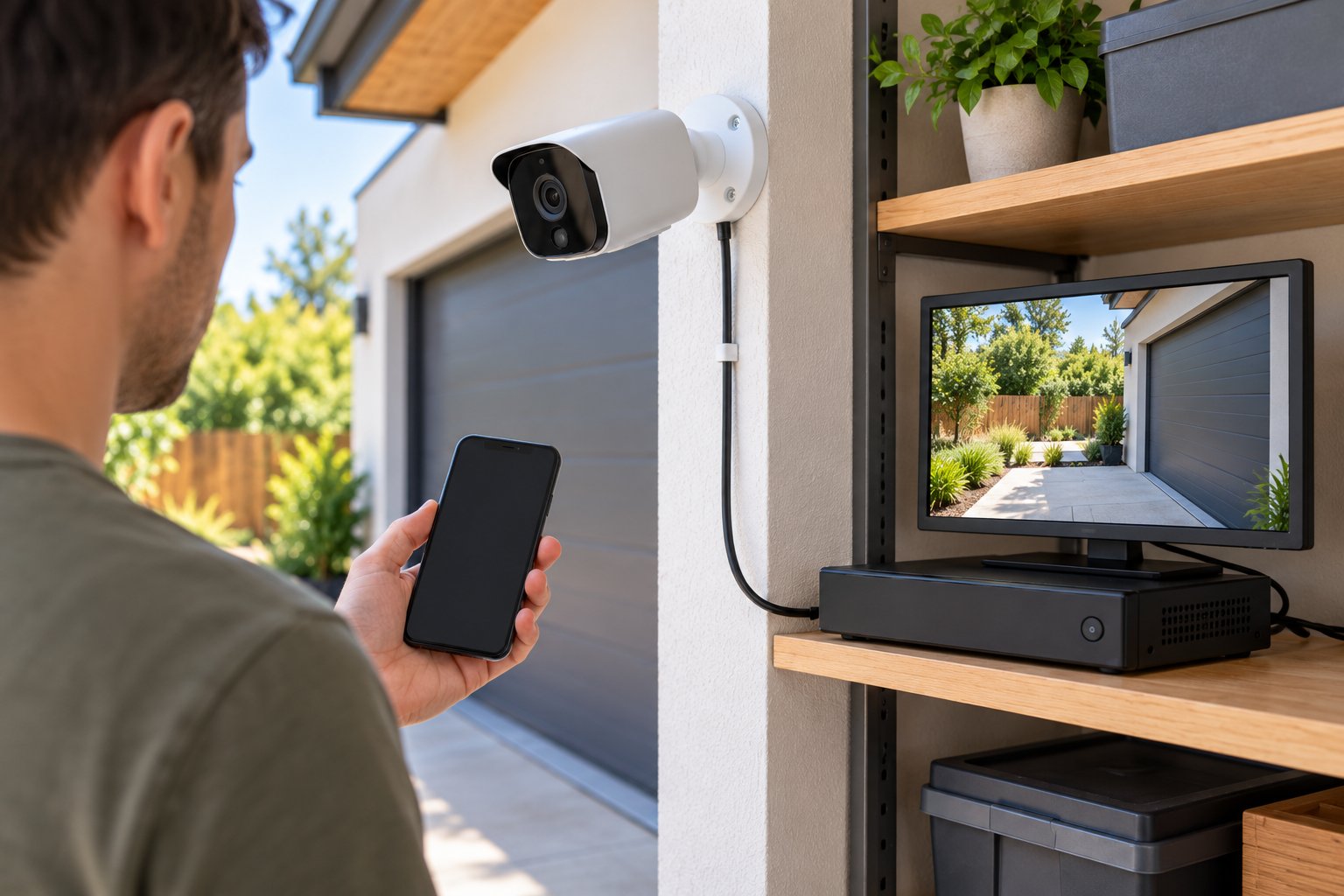
The chief advantage of recording locally is control: footage stays on equipment you own and can be reviewed without depending on a cloud recording service. The main limitation is access. A video file can exist safely on a recorder even when there is no way for that recorder to contact your phone.
Features That Work Without Internet
With compatible equipment and a working power supply, many useful surveillance functions remain available offline:
-
Local video storage: The camera or recorder saves footage to its MicroSD card or hard drive.
-
Loop recording: Older files are overwritten automatically when the configured retention rules allow it.
-
Motion-activated recording: The camera or recorder saves a clip after locally detecting activity.
-
On-site playback: You can review footage through a recorder's connected monitor or another supported local method.
-
Night vision: Built-in infrared lighting or other onboard night-vision features can continue working without broadband.
-
Wired camera links: A PoE IP camera and compatible NVR can exchange video across the local Ethernet network.
That does not mean every smart feature will work. Basic motion detection may run inside the camera, while more advanced recognition features on some models depend on an online service. Check the product's offline feature list, especially if distinguishing people from vehicles is important to you.
Local storage also requires local housekeeping. Someone who removes the card or recorder may take the only copy of the footage. Use strong device passwords, restrict physical access, and export recordings needed for an insurance claim or incident report before loop recording overwrites them.
Features That Require a Connection
Remote live viewing and app notifications need a route from the camera to your device. For someone checking a camera from work, that usually means an internet-connected network or a cellular data connection. A completely isolated offline camera cannot send instant push notifications to a phone elsewhere.
Keep these situations distinct:
-
Internet is down, local network still works: A compatible IP camera, NVR, or WiFi camera may still communicate with devices on the same local network. Recording and local playback can continue.
-
Camera uses Ethernet, property has internet: A wired camera does not need WiFi, but remote features may work if the recorder or camera supports secure remote access and it has been configured correctly.
-
Property has no broadband, camera has LTE: A supported cellular camera can provide remote access while it has signal, power, and an active data plan.
Cloud backup, off-site viewing, account recovery, and some firmware or software features may also require internet access. A camera might need a brief online setup even if it records locally later. Find out before installing it at an isolated property.
Do not enable exposed network ports merely to get remote viewing working. Prefer the manufacturer's supported secure access method and maintain firmware updates when a connection is available. If remote access is unnecessary, leaving that feature disabled reduces the number of things you need to manage.
Step-by-Step Setup for Offline Surveillance
Work through the setup at a table before drilling holes or running cable. It is much easier to correct a compatibility problem while every component is within reach.
-
Mark the areas that matter. List the entrance, path, gate, or room you need to cover. Stand in those spots and consider what detail the camera must capture. A wide view of a yard may not provide a useful view of the person opening a gate.
-
Pick the recording method. Use a supported MicroSD camera for a simple single-camera location, or compare an NVR and DVR for several wired cameras. Choose 4G LTE if you need off-site viewing but have no fixed broadband and do have cellular coverage.
-
Check setup requirements before installation. Read the manual for app activation, account creation, supported storage, and offline operation. If the camera needs a temporary internet connection for setup, complete that while you can still access it easily.
-
Plan electricity and cabling. Identify safe outlets and weather-protected cable paths. For PoE cameras, verify the power standards and available power budget of the NVR or switch. For battery-powered cameras, confirm the recording modes the battery can support.
-
Fit and initialize storage. Insert the supported high-endurance MicroSD card according to the camera instructions, then format it if required. For an NVR or DVR, install a compatible recording hard drive and make sure the recorder shows it as ready to use.
-
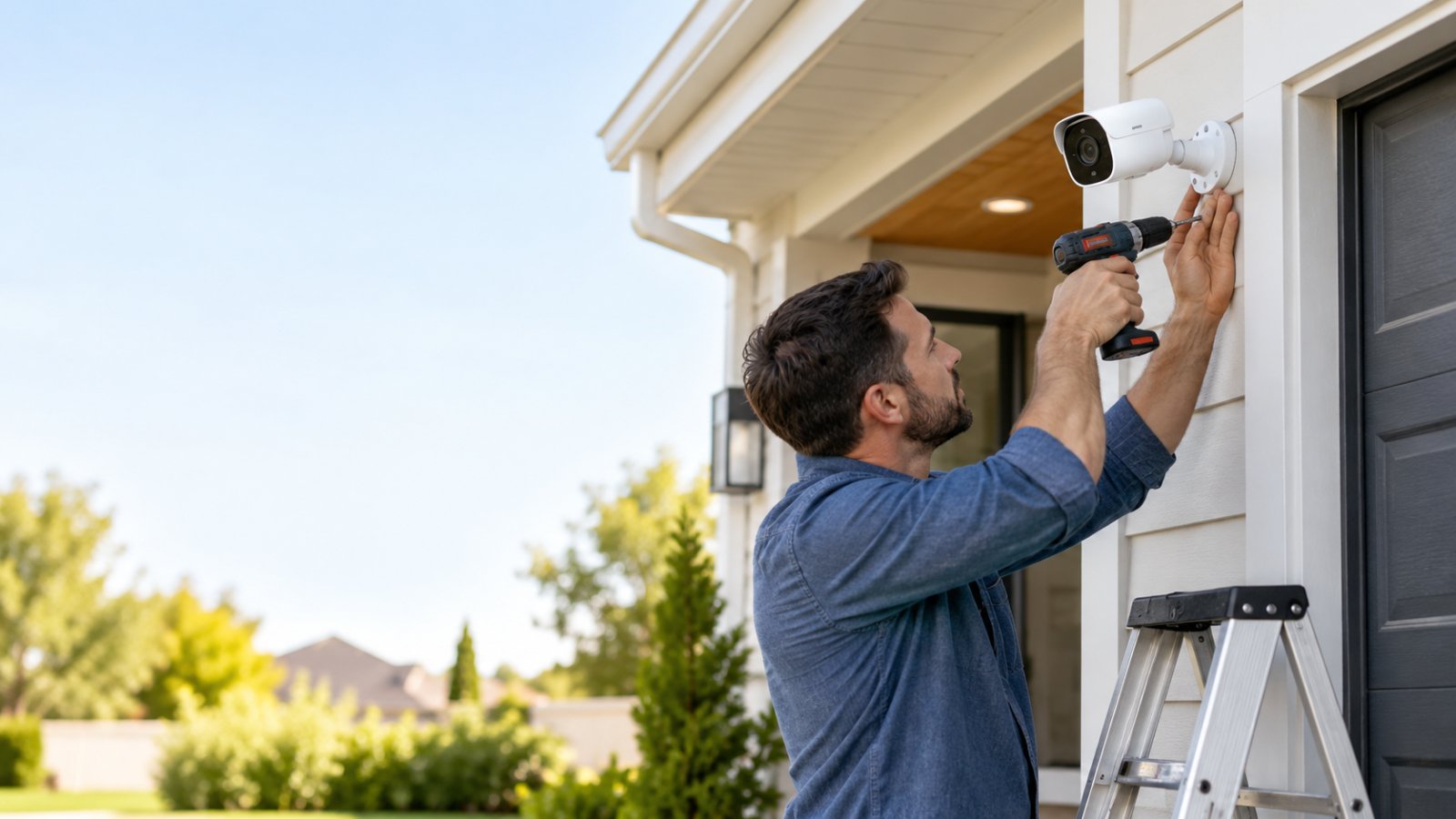
Mount the camera for usable evidence. Aim for the doorway, vehicle approach, or other decision point. Avoid pointing infrared night vision through glass. Check for roof edges, nearby walls, or branches that could reflect light or fill the picture with movement.
-
Set a recording schedule. Choose continuous video, motion clips, or a combination supported by the device. Check motion zones with someone walking through the monitored area. Enable loop recording only after you understand when older files will be replaced.
-
Set the clock and secure access. Check the time zone and timestamp before disconnecting the device from the internet. Change default passwords, limit who can view recordings, and turn off remote functions you do not intend to use.
-
Prove recording works offline. Capture a clip in daylight and another after dark. Disconnect internet access while keeping the intended local network running, or isolate the system as specified for your setup. Trigger another recording, then confirm the new file exists and plays back.
-
Practice recovering a clip. Export a recording to another drive and open it on a separate computer. Check that the video shows the right time and camera view. Add a routine check for card errors, full drives, dirty lenses, loose cables, and failed backup power.
For a PoE NVR system, the usual layout is camera to Ethernet cable to compatible PoE recorder or switch, then recorder to monitor. Depending on the design, an internet-connected router may not be necessary for recording. For a DVR system, analog cameras feed the recorder through compatible video cabling and need their specified power connections.
The offline test is the step most likely to prevent disappointment. A camera may show a live picture during setup but fail to save new clips after you disconnect the network. Test the exact condition the system will face, including whether the local WiFi router remains on during a broadband outage.
When to Consider Expanding Your Home WiFi Instead
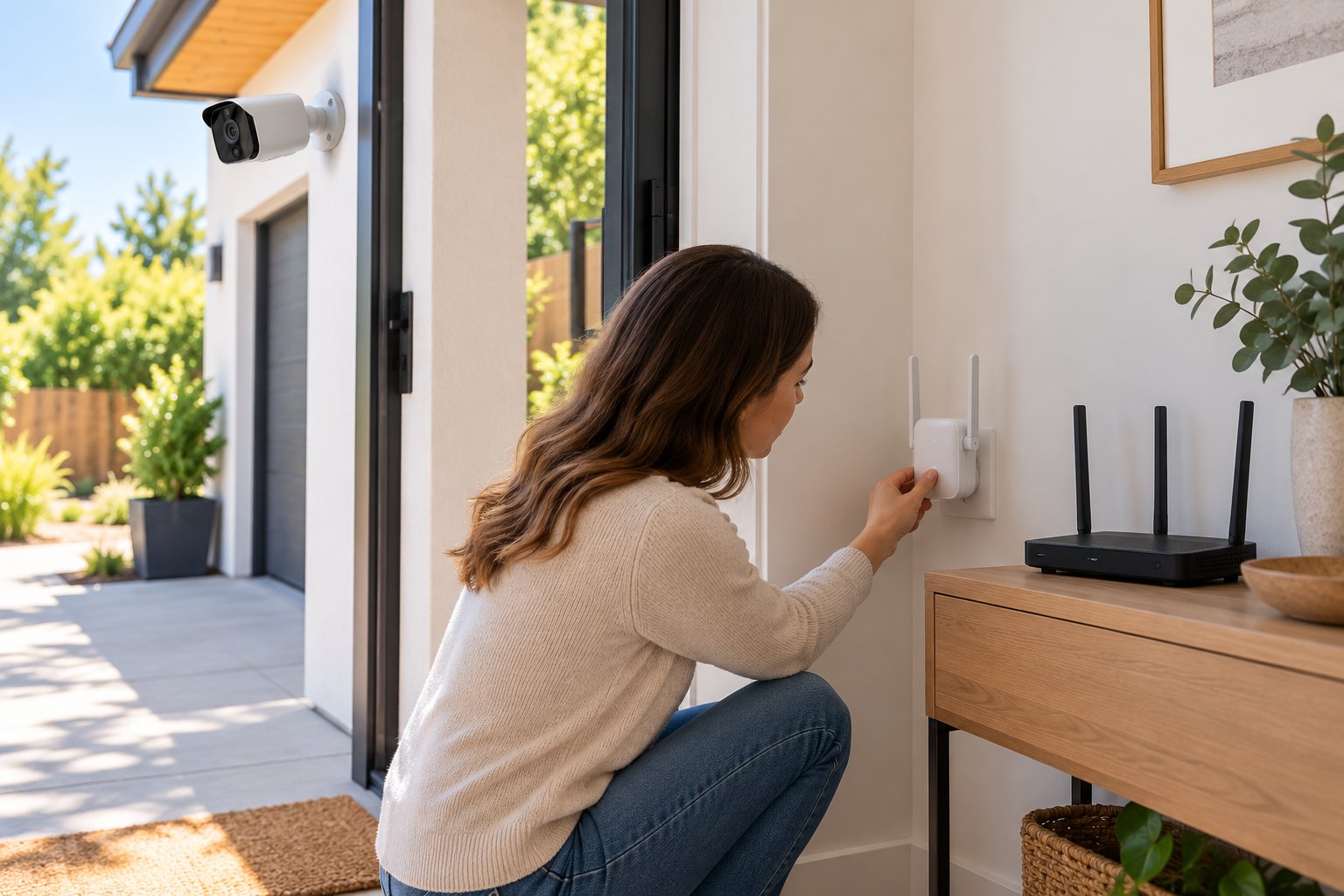
Sometimes the best fix is not a new surveillance system. If a camera works well near the house but regularly drops off at the garage or back gate, the problem may be WiFi coverage rather than the camera's recording method.
First, find out what is failing. If other devices work close to the router but not near the camera, investigate wireless range, walls, and interference. If devices stay connected to WiFi but websites and remote camera viewing stop working, the broadband service may be the problem. A WiFi extender cannot repair an internet outage.
Try moving the router into a clearer, more central position, away from large metal appliances and dense walls. ROOXIS also provides practical router placement tips for improving coverage. Before moving equipment, check which WiFi band the camera supports; many outdoor models connect on 2.4 GHz, but model requirements differ.
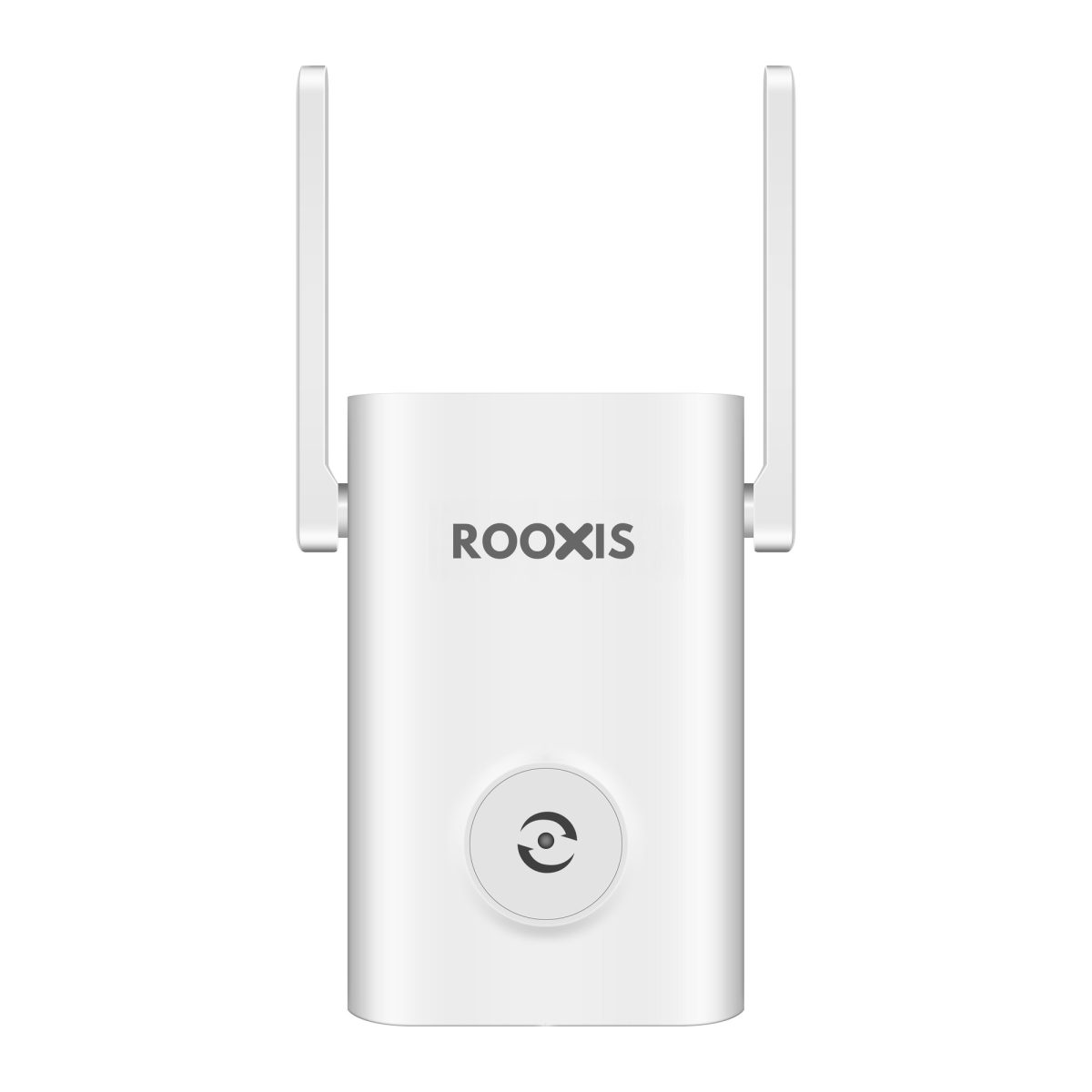
A range extender belongs somewhere it can still receive a solid signal from the original router. Putting it right beside the disconnected camera is unlikely to help. If a garage has suitable cabling, an Ethernet-connected access point can provide a more stable link than repeating a weak wireless signal.
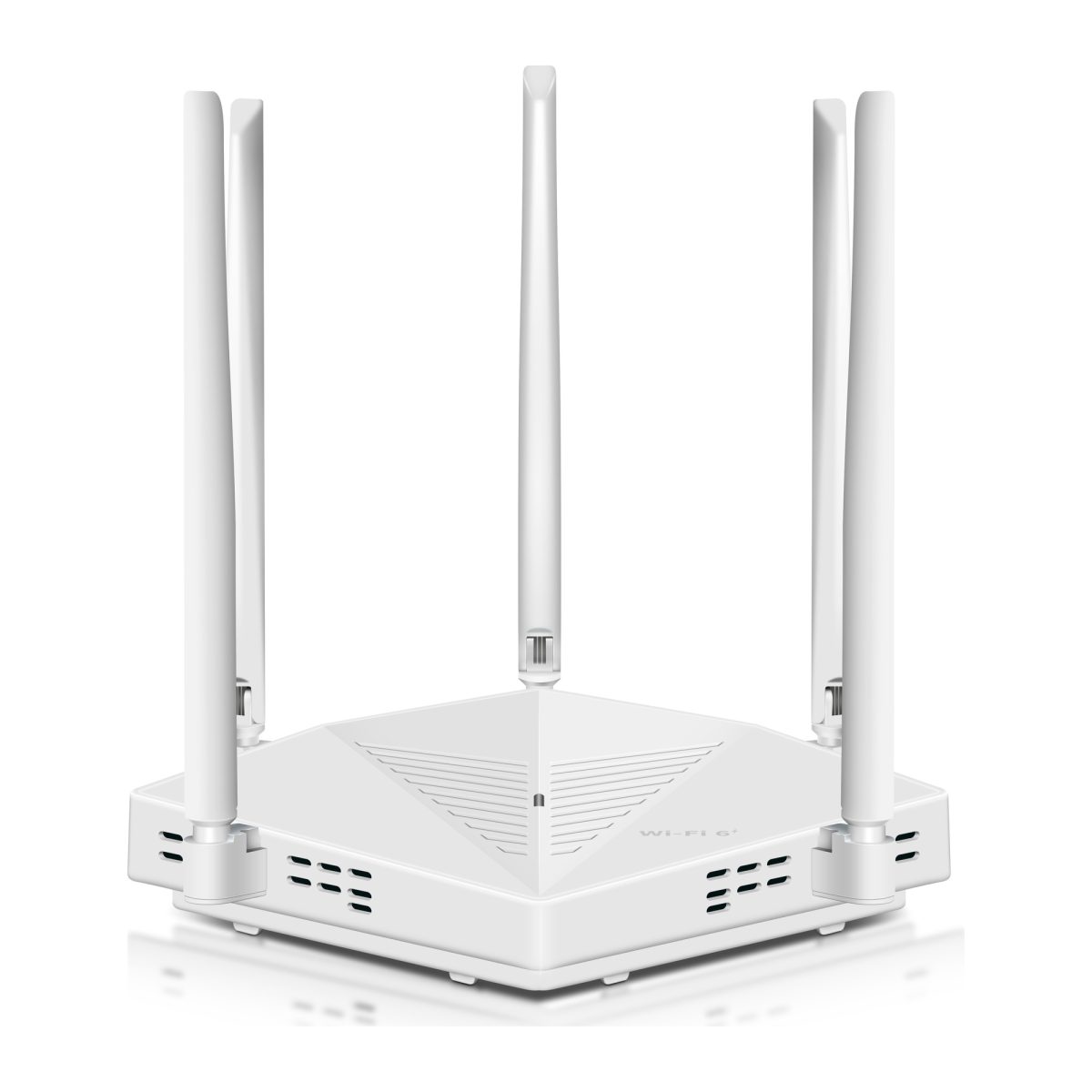
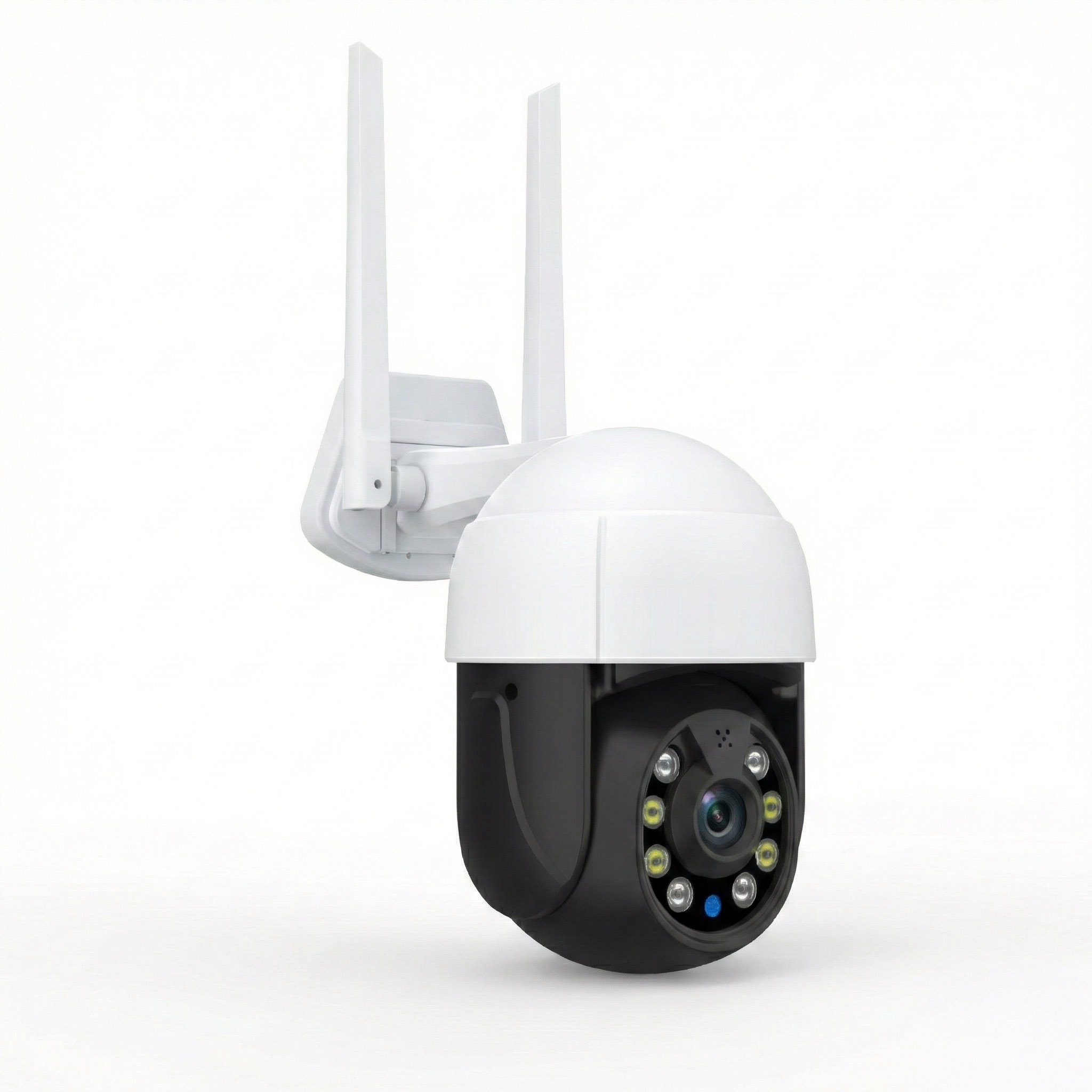
ROOXIS offers WiFi routers, range extenders, and outdoor security cameras for connected homes. If you already have reliable broadband and want app-based camera access, improving your WiFi coverage may be simpler than switching to an NVR or cellular camera. Verify the exact ROOXIS camera's MicroSD support, recording behavior, and network requirements before assuming it works with WiFi switched off.
If the building has no usable broadband, or if dependable recording is required regardless of wireless conditions, a purpose-built standalone or wired recorder system is the better route. You do not need to force a WiFi camera into a job it was not designed to do.
FAQ
Can a security camera record without an internet connection?
Yes. A compatible MicroSD camera or a wired camera connected to a local NVR or DVR can keep recording without internet, provided the equipment has power. Some models still need an initial app or online setup, so confirm and test offline recording before relying on it.
How do you view footage from an offline security camera?
You can review a supported MicroSD card in the camera or on a compatible computer, depending on the file format and camera design. An NVR or DVR often supports playback through a directly connected monitor. Viewing the video from outside the property needs an additional network or cellular connection.
Do security cameras without WiFi need a subscription?
No subscription is inherently required for a camera that records to its own card or a local NVR or DVR. You still need to buy and maintain the storage equipment, and some optional online features may be paid. Cellular cameras typically need a mobile data plan even when they use local recording instead of a cloud subscription.
Can cellular cameras work anywhere without home broadband?
No. A cellular camera can work without home broadband only where it has compatible network coverage, power, and an active data plan. Check reception and carrier compatibility at the exact mounting location, especially inside outbuildings or behind metal surfaces.
Conclusion
For reliable security cameras no wifi setups, match the hardware to the task. A MicroSD camera can cover a single entrance, while an NVR or DVR makes more sense for several fixed cameras and centralized storage. Choose a cellular model when remote access matters and mobile coverage is available. In every case, confirm that you can record and retrieve footage under the conditions you actually expect.
If your home already has broadband and the real problem is a weak wireless signal, explore ROOXIS routers, range extenders, and outdoor security cameras at rooxis.com or on Amazon. A better connection may be all you need, without giving up local recording where your camera supports it.