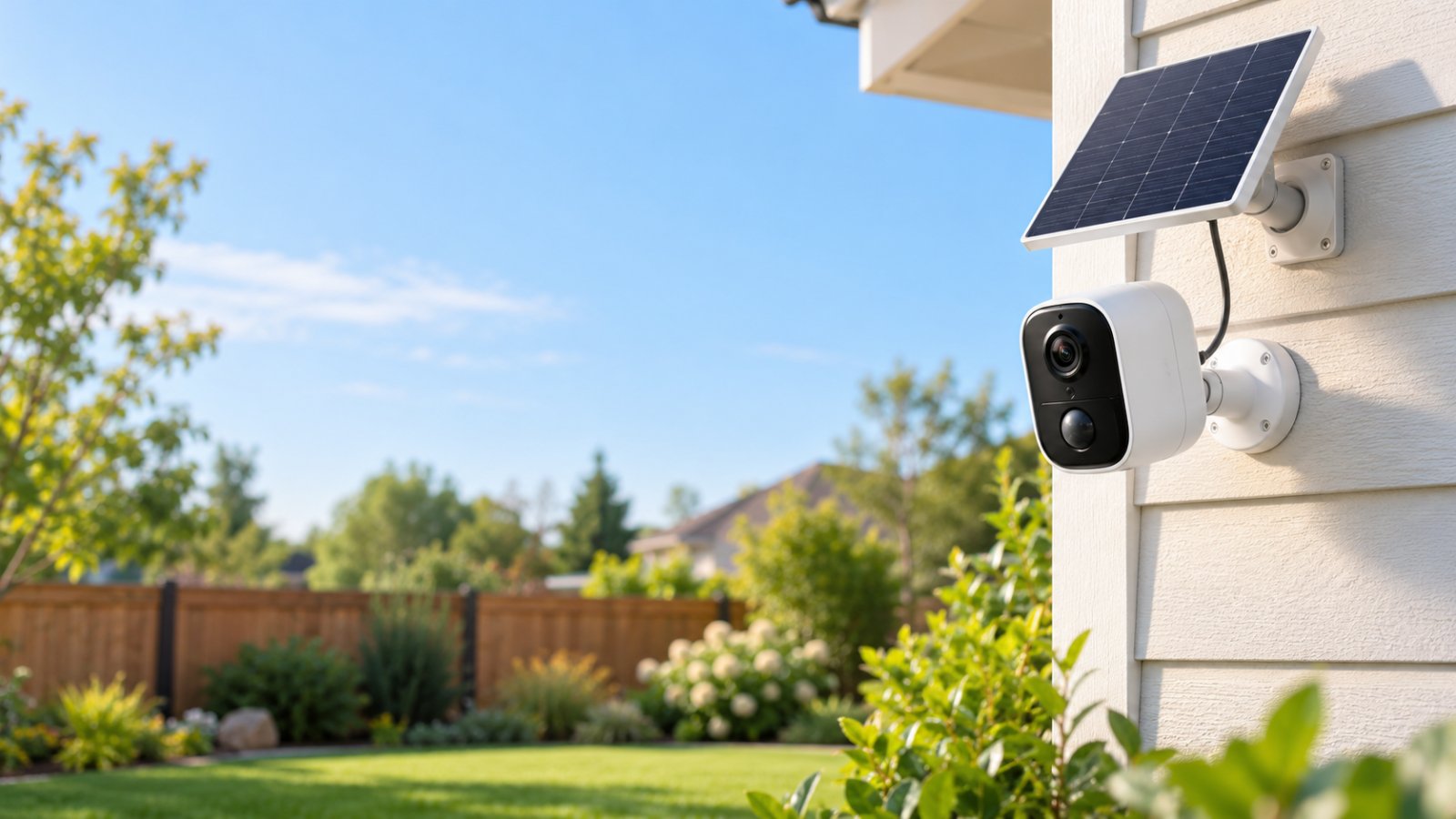
The best home security cameras without subscription let you watch live video, receive motion alerts, and review locally stored recordings without paying a monthly cloud storage fee. For 2026, the ROOXIS Outdoor Security Camera is a practical option for powered outdoor monitoring, the Tapo C120 is worth considering for affordable microSD recording, and the Reolink Argus 3 Ultra suits locations where battery power is necessary.
These cameras solve different problems. One lets you rotate the view remotely, another offers a compact fixed-angle design, and the third works without a permanent power cable. All support local recording, but their storage limits, wireless connections, and recording options differ.
Before buying, think about what you actually need to monitor. A front door, a long driveway, and a detached garage rarely need exactly the same camera.
This guide compares three no-subscription options, explains the tradeoffs between local and cloud storage, and covers WiFi reliability, night vision, privacy, and installation. It also explains which features you can use without a paid plan and what to check before choosing a camera.
Why Choose Security Cameras Without Monthly Subscription Fees?
A camera should not have to come with a recurring bill just so you can watch what happened outside your front door.
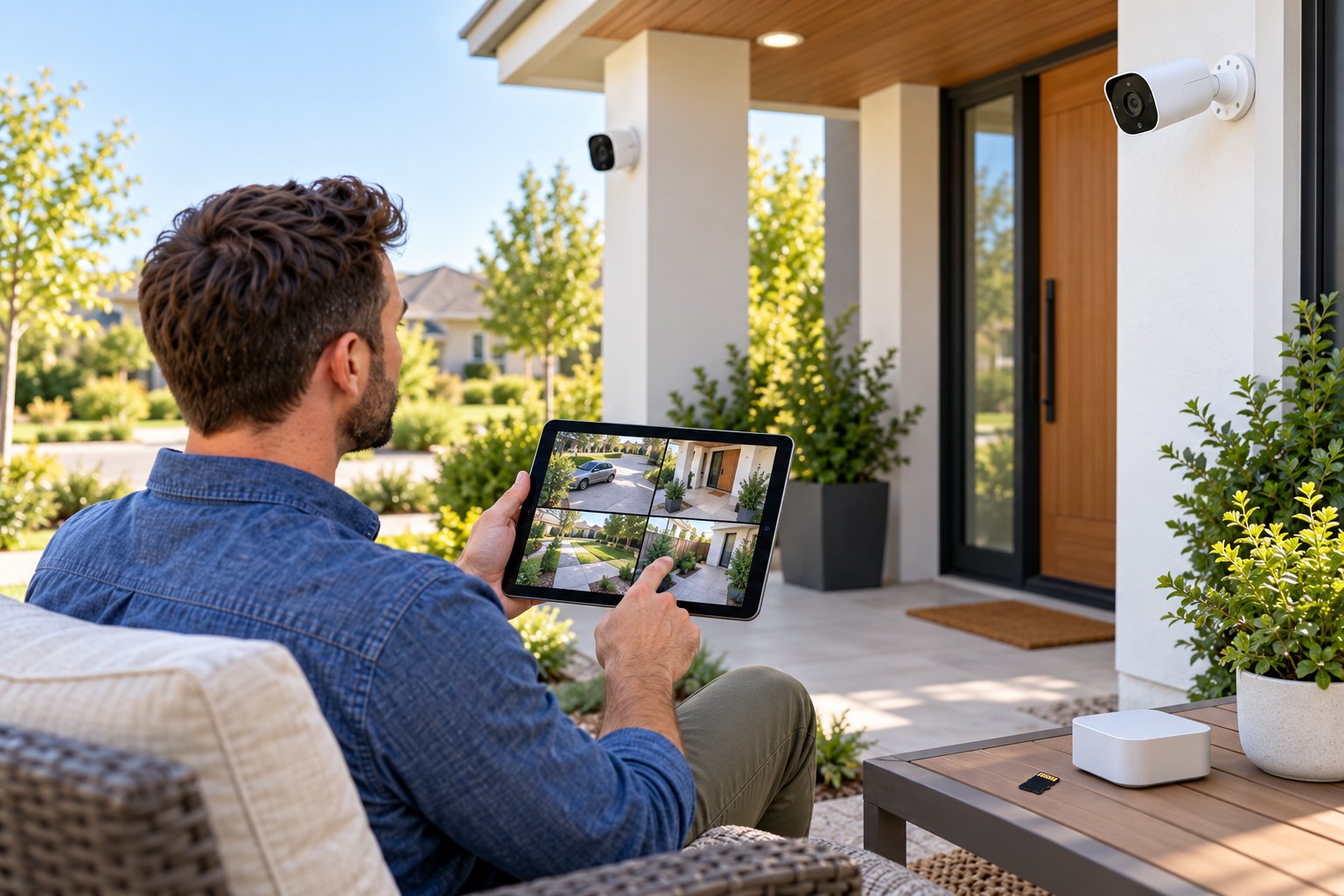
Some security cameras require a paid plan for recorded video history or certain advanced features. Others offer local recording through a microSD card or compatible storage system, allowing you to review footage without subscribing to cloud storage.
That difference matters when you plan to use several cameras.
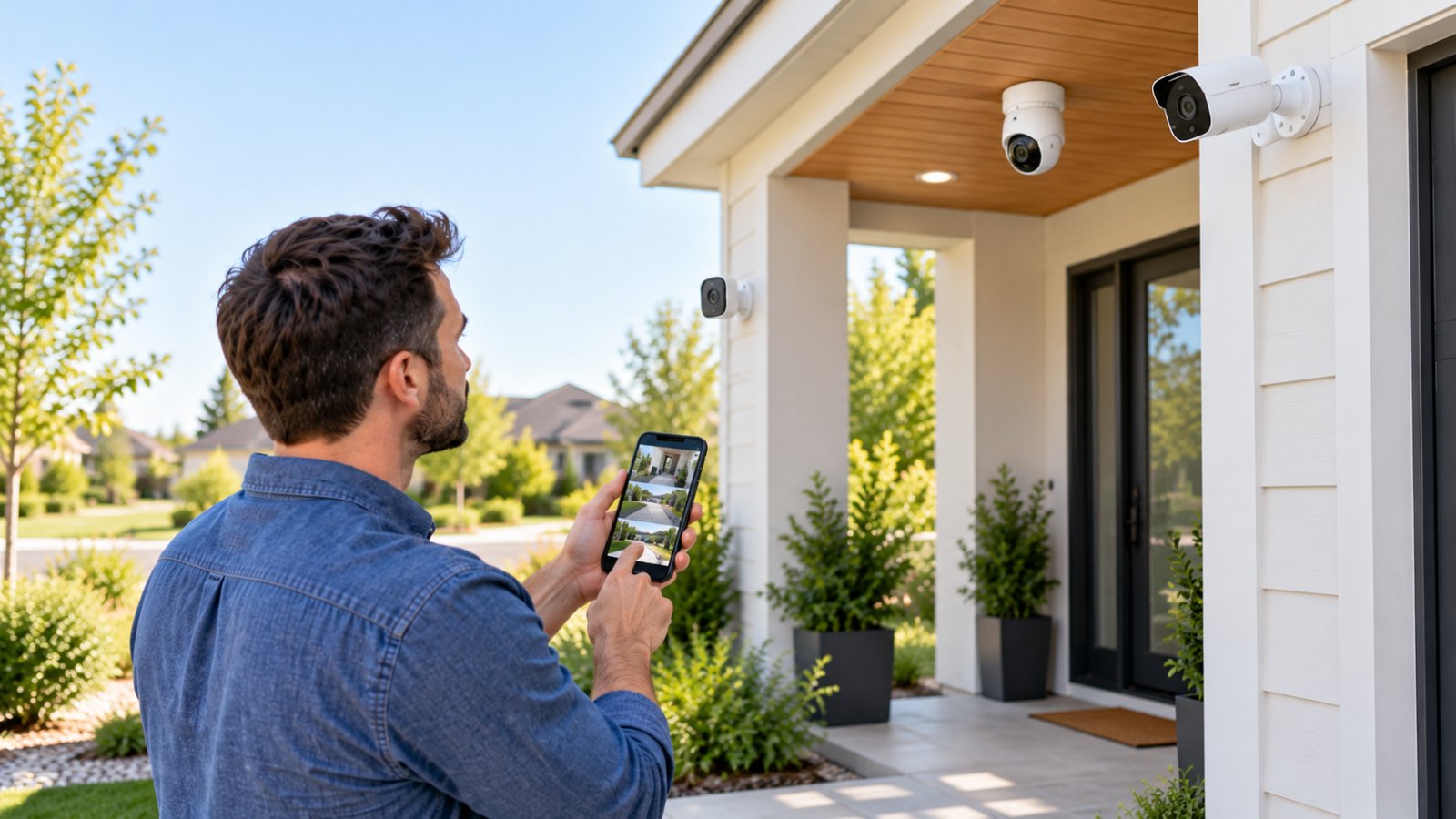
Suppose you install one camera above the front entrance and another overlooking the driveway. You want to check who approached the house, review motion events, and open the live feed when you're away.
If both cameras support those features without a subscription, your ongoing costs can remain lower.
You may still need to purchase storage cards, replace accessories, or maintain batteries. But there is no required monthly cloud storage payment for supported local recording.
The main advantages of no subscription security cameras include:
-
No required cloud storage bill: Record to supported local storage without paying for a monthly video history plan.
-
Control over recorded footage: Keep video on storage equipment you manage.
-
Flexible recording options: Choose a microSD card, compatible storage hub, or local recorder based on your requirements.
-
Basic monitoring without ongoing payments: Supported live viewing, alerts, and two-way audio remain available without purchasing a cloud plan.
-
More predictable ownership costs: Budget for the camera, storage, installation, and maintenance rather than a mandatory monthly recording charge.
There is one distinction buyers should understand.
A camera described as subscription-free may still offer optional cloud services. It may also require an internet connection and a manufacturer account for remote viewing.
Subscription-free recording does not necessarily mean the camera works entirely offline.
Before buying, check which features are included, which require internet access, and which cost extra.
Local Storage vs Cloud Storage Costs
The biggest difference between local and cloud storage is where the footage goes after the camera records it.
With local storage, recordings stay on physical equipment such as a microSD card, storage hub, or Network Video Recorder.
With cloud storage, recordings are uploaded to remote servers managed by a service provider.
Neither arrangement is automatically better for every home.
A microSD card is convenient for a single camera. Cloud storage can preserve uploaded footage if the camera is stolen or damaged. A local recorder can be useful when several compatible cameras need to store footage in one location.
Here is how the two approaches compare.
| Feature | Local Storage | Cloud Storage |
|---|---|---|
| Recording location | microSD card, hub, or local recorder | Provider-managed remote servers |
| Monthly storage payment | Usually not required | Often required |
| Initial equipment | Memory card or recorder may be needed | Additional storage hardware may not be needed |
| Video playback | Through supported app or local recorder | Through cloud account or app |
| Internet needed to save footage | Not always, depends on device | Required to upload recordings |
| If the camera is stolen | Footage stored inside may be lost | Previously uploaded footage may remain accessible |
| Storage capacity | Limited by supported hardware | Depends on service plan |
| Maintenance | User checks cards, drives, and storage space | Provider maintains remote infrastructure |
Consider the total cost of ownership.
A camera that records to a microSD card may require an additional card purchase.
For frequent recording, a high-endurance microSD card is a sensible choice. These cards are designed to handle repeated writing more effectively than ordinary cards intended primarily for storing photographs.
A battery-powered camera may require recharging or an optional solar panel.
A powered outdoor camera may need an appropriate outlet or cable installation.
These are real costs, but they are not the same as a recurring cloud storage subscription.
How much footage can local storage hold?
Recording capacity depends on several factors:
-
Video resolution and bitrate.
-
Compression format.
-
Memory card capacity.
-
Continuous or motion-triggered recording.
-
Number and length of recorded events.
-
Whether the camera overwrites older recordings.
A larger memory card generally offers more storage, but it does not guarantee a particular number of recording days.
For example, a camera recording activity at a quiet side entrance may use storage more slowly than one recording continuous video over a busy driveway.
Check the recording settings and available storage rather than relying on broad claims about how many days a card will hold.
Privacy and Data Ownership
Local storage gives homeowners more control over where their recordings are kept.
Instead of automatically sending every video clip to remote cloud storage, a compatible camera can save footage directly to a microSD card or local recorder.
This is useful when a camera monitors private areas such as a home entrance, garage, or backyard.
However, local recording is only one part of camera privacy.
A WiFi camera may still use an online account for remote access, notifications, or device management. Some functions may communicate with manufacturer-operated services even when recordings are stored locally.
Before purchasing, check these privacy questions:
-
Can the camera save footage without a paid cloud subscription?
-
Can optional cloud recording be disabled?
-
Does remote access require a manufacturer account?
-
Can you manage recorded footage through the app?
-
Does the manufacturer provide firmware updates?
-
Can you secure your account with a strong password and additional authentication?
-
Can you remove stored footage or reset the camera before selling it?
Also think about what happens if the camera is damaged or removed.
A microSD card stored inside an outdoor camera may be lost with the device. If preserving footage after theft or damage is a major concern, consider whether a compatible off-camera storage solution is available.
For everyday monitoring, local recording offers a useful balance of convenience and control.
It still needs good account security, occasional storage checks, and regular firmware maintenance.
Key Features to Look for in No-Subscription Cameras
Buying a camera based only on resolution or price often leads to disappointment.
A model might produce sharp daylight video but struggle with a weak WiFi signal. Another may have excellent night vision but require regular battery charging.
The best outdoor security cameras without subscription should match the installation location and provide the recording features you actually need.
Start with storage. Then check image quality, power requirements, weather resistance, detection settings, and connectivity.
MicroSD and Local Base Station Storage Options
For most single-camera installations, a microSD card is the simplest way to store footage without a cloud plan.
The card fits inside the camera and stores video according to the selected recording mode.
MicroSD card recording
The cameras in this comparison support different storage limits:
-
ROOXIS RXC1: microSD cards up to 128GB.
-
Tapo C120: microSD cards up to 512GB.
-
Reolink Argus 3 Ultra: microSD cards up to 512GB.
These are maximum supported capacities, not the amount of storage included with every purchase.
Check whether a memory card is supplied or must be purchased separately.
For regular video recording, choose a compatible high-endurance card.
After installation, check that the camera recognizes the card. Format it using the camera's app when required, select the recording mode, and test playback.
MicroSD recording should be tested, not assumed.
A camera may show a working live feed even when its memory card has failed.
After configuring the card, trigger a motion event or create a short recording.
Then open the playback menu and confirm the footage is available.
Repeat this check periodically, especially if the camera is important for monitoring an entrance or driveway.
Local base station storage
Some camera systems store video on a separate hub or base station.
This arrangement can keep recordings away from the camera itself.
For homes with several cameras, it can also make recording management more convenient.
The limitation is compatibility.
A storage hub designed for one camera family may not work with another manufacturer's equipment.
Check supported models before purchasing a hub.
NVR storage
An NVR (Network Video Recorder) is another option for managing footage from compatible network cameras.
An NVR generally stores recordings on a hard drive and may support several cameras at the same time.
This can be useful for a larger property with cameras covering multiple entrances.
For example, a homeowner monitoring a driveway, garage, backyard, and front entrance may prefer a central recording system over managing separate memory cards.
However, not every consumer WiFi camera supports standard NVR recording.
Check the manufacturer's compatibility documentation before buying a recorder.
If you need only one or two cameras, microSD storage may be simpler and less expensive to maintain.
Resolution, Night Vision, and Outdoor Weatherproofing
Image quality depends on more than the number of pixels.
Resolution matters, but so do viewing distance, lighting, lens design, compression, and camera placement.
A high-resolution camera aimed too far away may capture less useful detail than a lower-resolution camera positioned closer to the intended area.
Choose resolution based on the scene.
For a front door or small porch, a good 2K camera may provide sufficient detail.
For a larger driveway or yard, higher resolution can be useful when lighting and viewing distance allow the camera to capture meaningful detail.
Look at the actual pixel dimensions.
The ROOXIS RXC1 lists 5MP resolution at 2880 x 1620.
The Tapo C120 records at 2560 x 1440.
The Reolink Argus 3 Ultra records standard 4K UHD video at 3840 x 2160.
Although product labels may sometimes use similar marketing terms, 5MP and standard 4K UHD are not the same resolution.
Understand night vision options.
Most outdoor cameras use one or both of these approaches:
-
Infrared night vision: Captures black-and-white video using infrared illumination.
-
Color night vision: Uses available light or built-in lighting to produce color video.
Both have practical uses.
Infrared is useful when the monitored area is dark. Color night vision can make it easier to distinguish clothing, objects, and vehicles when sufficient light is available.
The camera's position matters just as much as its night vision specification.
A lens placed close to a white wall, gutter, or reflective surface may produce poor nighttime footage because infrared light reflects back toward the camera.
Test the view after dark before considering the installation finished.
Check the weather resistance rating.
Outdoor cameras should be designed for exposure to dust and moisture.
Two common protection ratings are:
-
IP65 weather resistance: Dust-tight and resistant to water jets under specified test conditions.
-
IP66 weather resistance: Dust-tight and rated for more powerful water jets under specified conditions.
The ROOXIS RXC1 and Tapo C120 carry IP66 ratings.
The Reolink Argus 3 Ultra has an IP65 rating.
Both ratings are relevant for outdoor use, but installation instructions still matter.
An IP-rated camera enclosure does not mean its power adapter or every exposed connector can be left in direct rain.
Protect electrical connections and follow the manufacturer's mounting requirements.
Look beyond resolution and weather resistance.
Other useful features include:
-
Motion detection: Helps record or report movement near the camera.
-
Person detection: Can distinguish human activity from other motion on supported devices.
-
Motion detection zones: Allow you to prioritize entrances or walkways.
-
Two-way audio: Lets you communicate through the camera's microphone and speaker.
-
Pan and tilt: Allows remote adjustment of the viewing direction.
-
Spotlights: Provide additional illumination when needed.
-
Local playback: Lets you review supported recordings without subscribing to cloud history.
Do not assume that every camera includes all of these features for free.
Check whether advanced alerts, activity previews, or particular detection categories require an optional service.
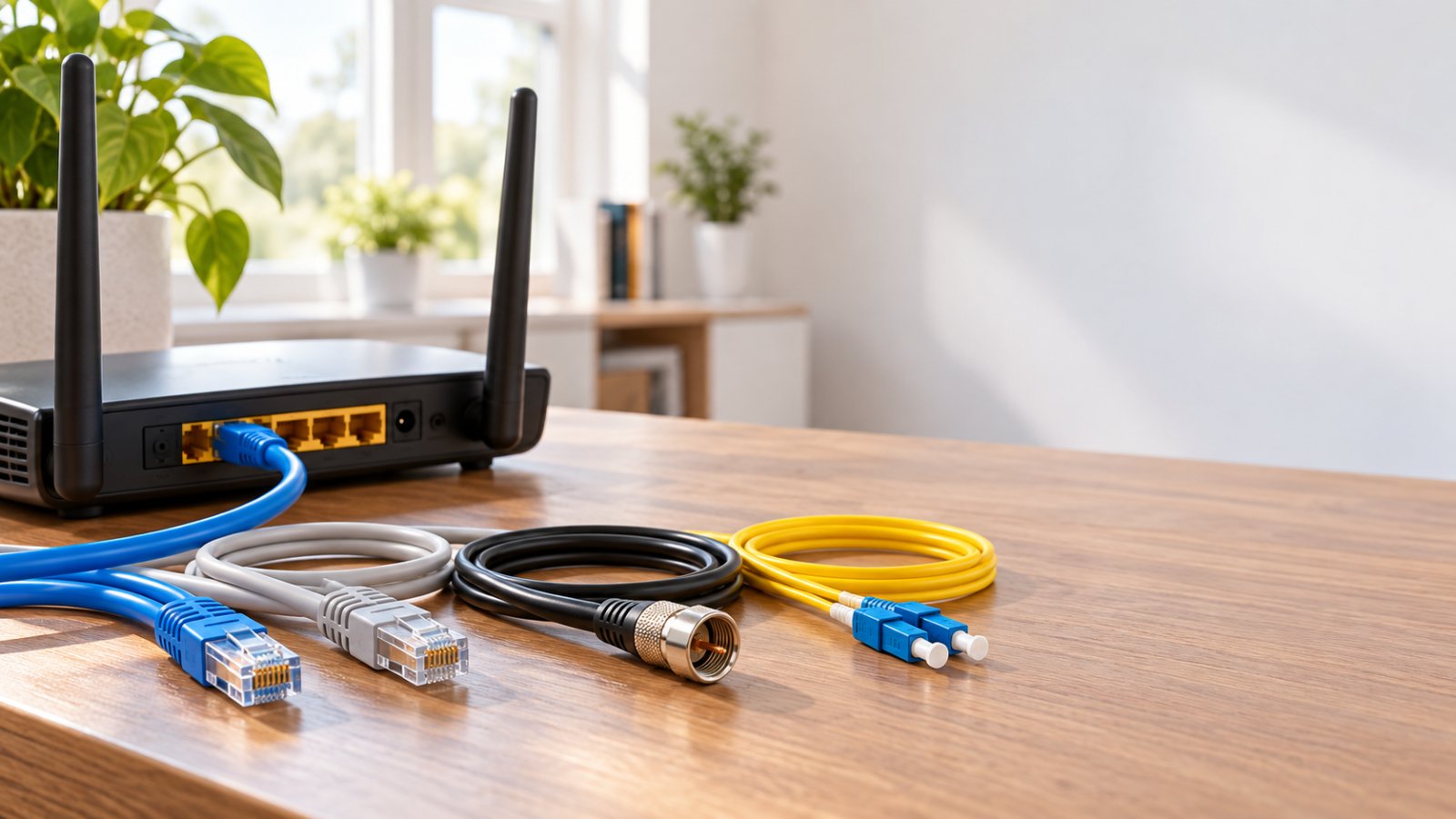
Reliable WiFi Connectivity and Network Placement
WiFi reliability is easy to overlook when comparing camera specifications.
Yet a camera that repeatedly drops offline will be frustrating regardless of how sharp its video looks.
Exterior walls can weaken WiFi signals, especially when they contain brick, concrete, metal framing, or foil-backed insulation.
Distance also matters.
Check the supported WiFi band first.
Many outdoor cameras connect through 2.4 GHz WiFi because it generally offers better reach than 5 GHz under similar conditions.
The ROOXIS RXC1 and Tapo C120 use 2.4 GHz.
The Reolink Argus 3 Ultra supports both 2.4 GHz and 5 GHz.
If a camera is mounted outside the garage and separated from the router by several walls, 2.4 GHz may be more dependable.
A compatible camera close to the router may work well on 5 GHz.
Test the connection at the actual mounting point instead of relying on advertised wireless specifications.
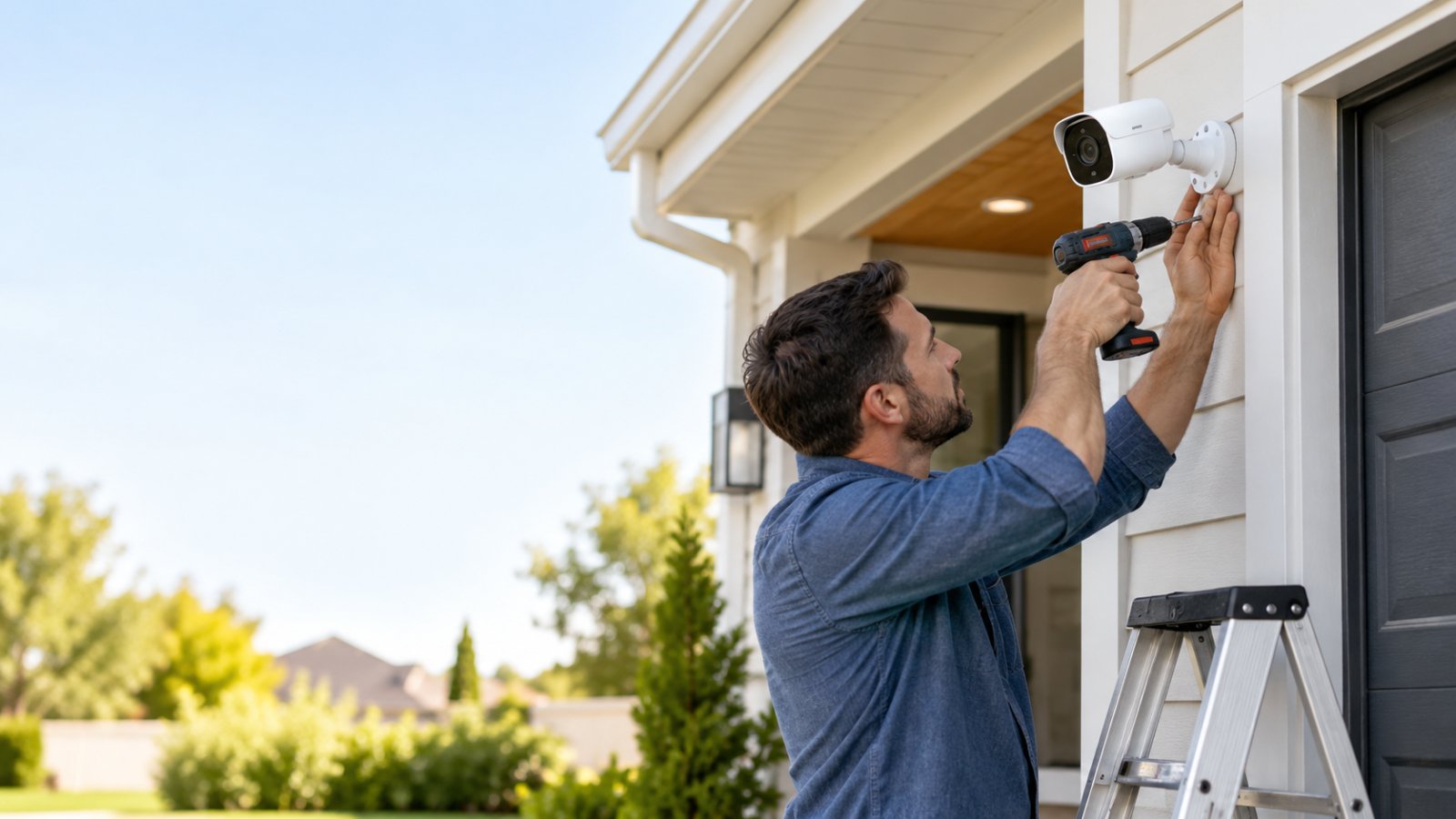
Test before drilling.
Pair the camera with your router indoors.
Once the live feed works, take the powered camera to the proposed installation position while keeping it securely supported.
Open the live feed and check for repeated buffering or connection failures.
If the camera cannot maintain a usable connection, correct the network problem before fixing the mounting bracket.
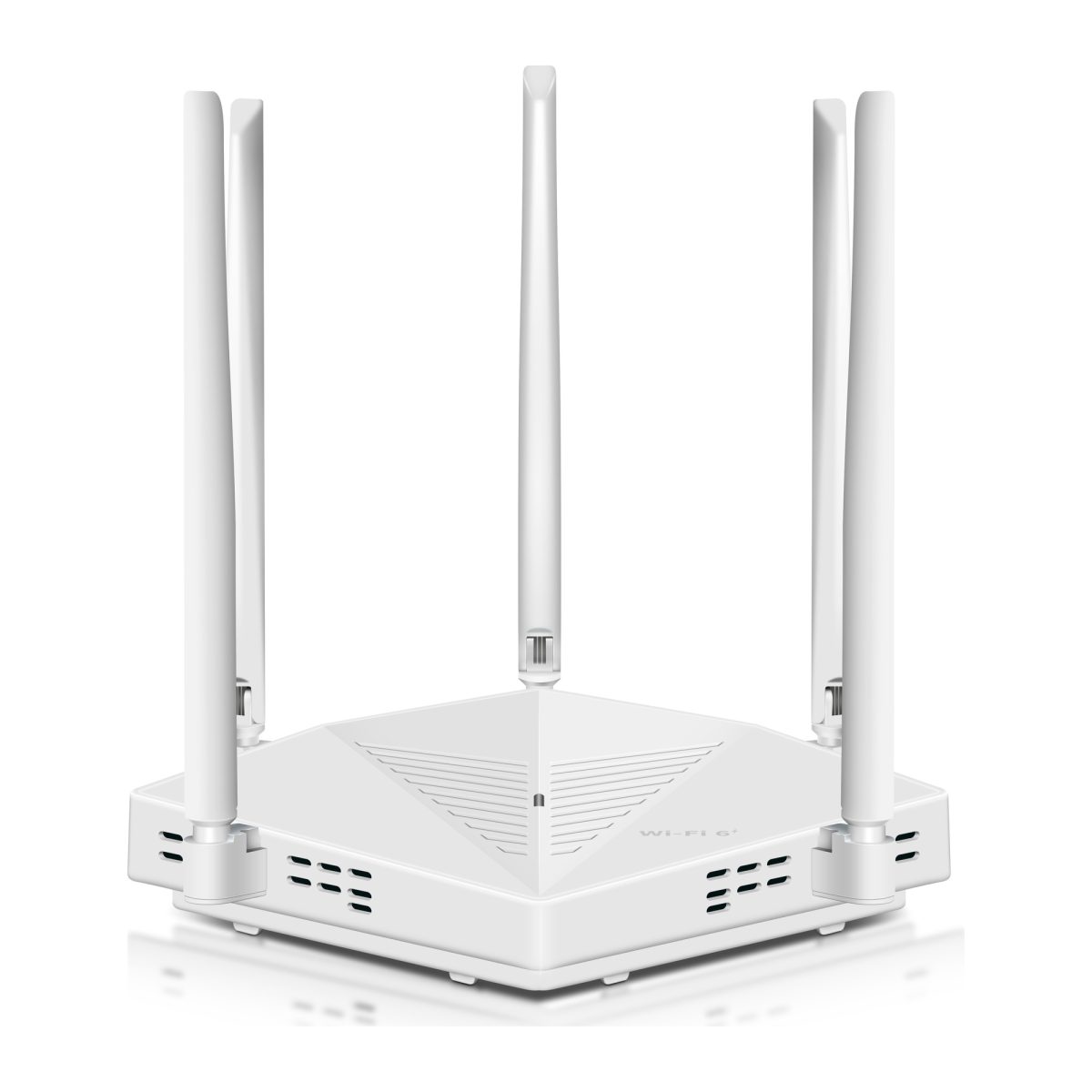
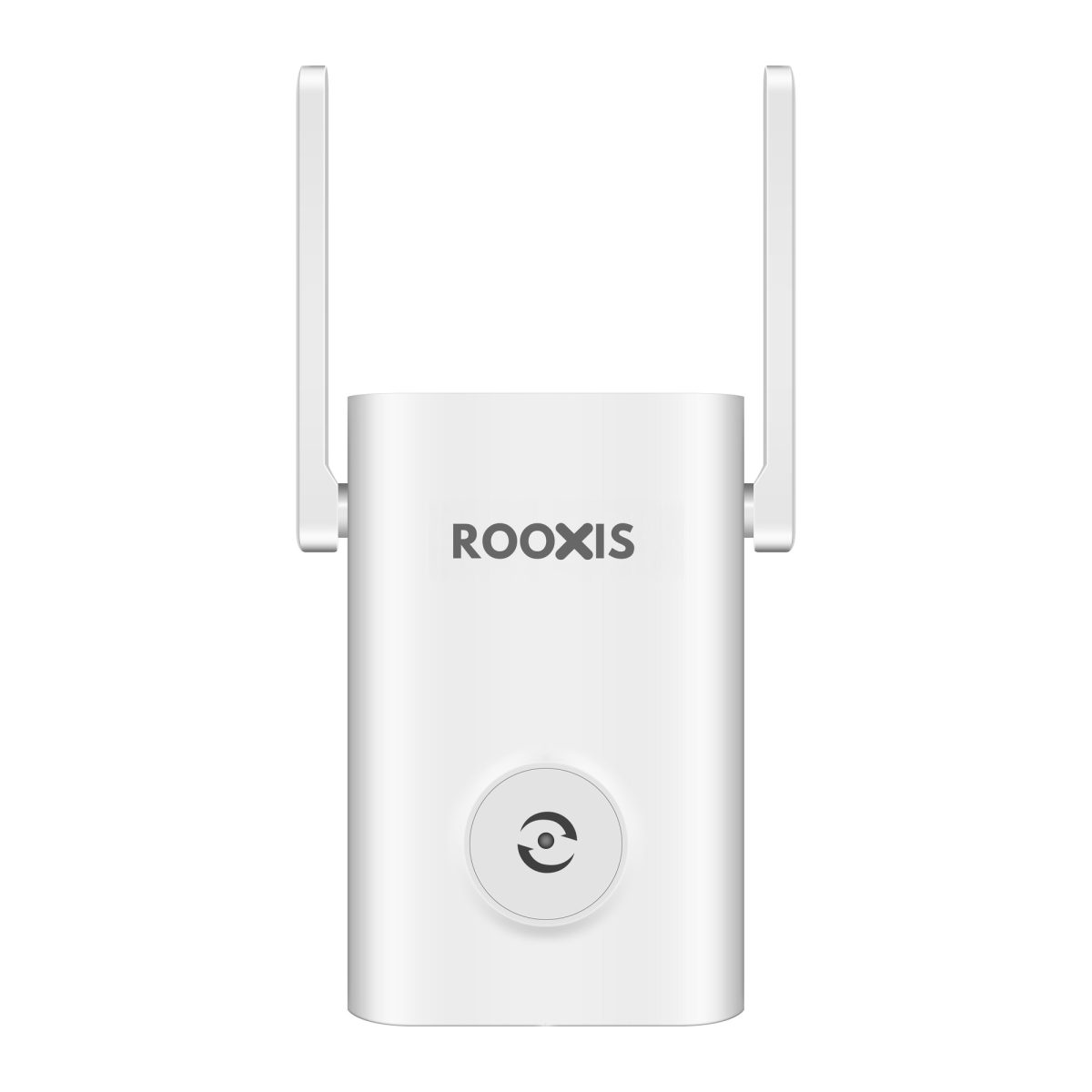
Moving the router, choosing another camera position, or installing a suitably placed WiFi extender may help.
Top Home Security Cameras Without Subscription in 2026
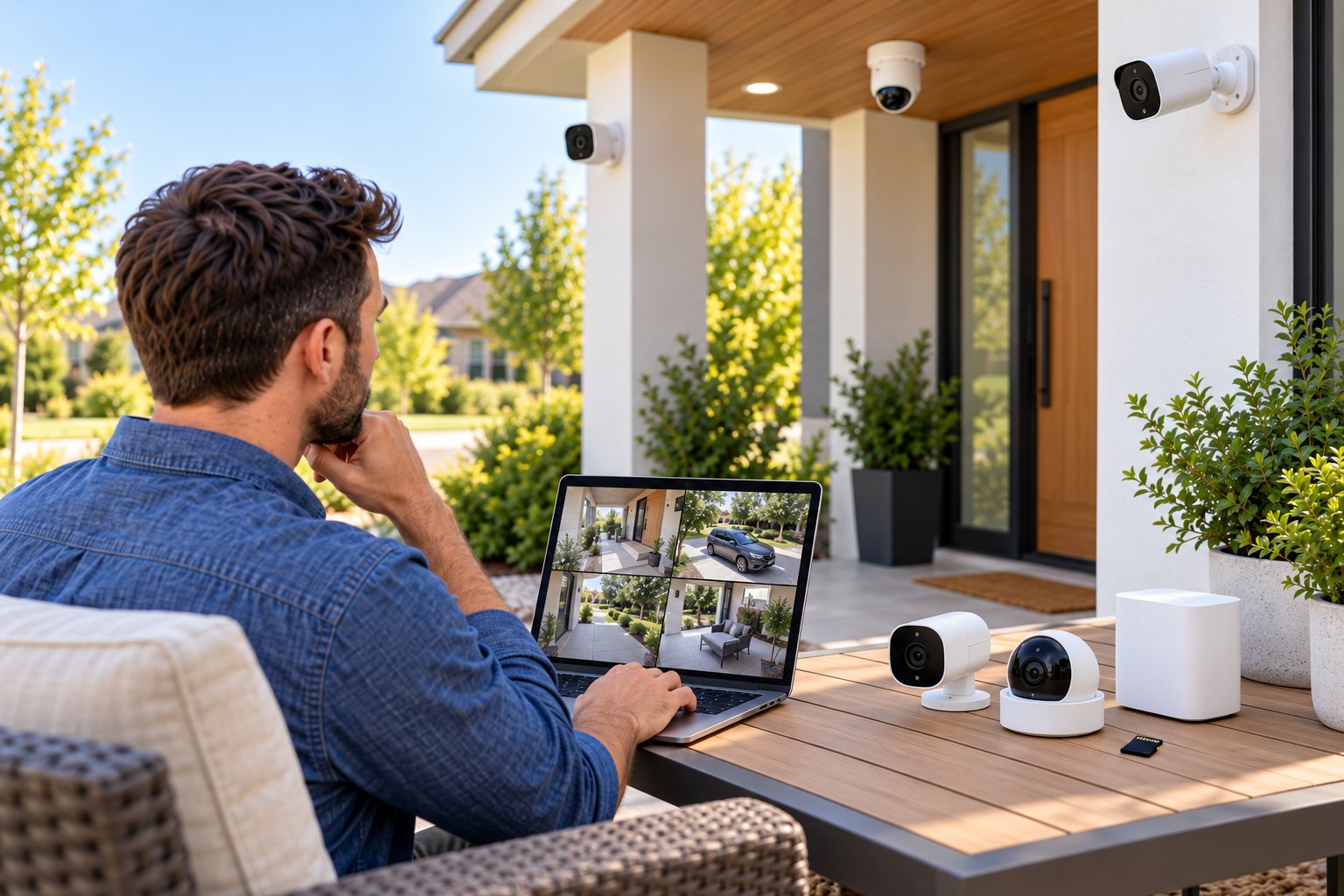
For 2026, three models are worth comparing for different home security needs: ROOXIS RXC1, Tapo C120, and Reolink Argus 3 Ultra.
The ROOXIS model is suited to powered outdoor monitoring with an adjustable view. Tapo offers a compact fixed camera with generous microSD capacity. Reolink provides a battery-powered option for locations without convenient electrical access.
These recommendations are based on published features and practical installation requirements, not invented performance tests.
Quick comparison of no-subscription security cameras
| Feature | ROOXIS Outdoor RXC1 | Tapo C120 | Reolink Argus 3 Ultra |
|---|---|---|---|
| Recommended category | Powered outdoor monitoring | Budget local storage | Battery-powered outdoor monitoring |
| Published resolution | 5MP, 2880 x 1620 | 2K QHD, 2560 x 1440 | 4K UHD, 3840 x 2160 |
| Local storage | microSD up to 128GB | microSD up to 512GB | microSD up to 512GB |
| Paid cloud plan required for local recording | No | No | No |
| Power source | DC adapter | DC adapter | Rechargeable battery |
| WiFi | 2.4 GHz | 2.4 GHz | 2.4 GHz and 5 GHz |
| Weather resistance | IP66 | IP66 | IP65 |
| Night vision | Infrared and color with lighting | Infrared and color with spotlights | Infrared and color with spotlights |
| Two-way audio | Yes | Yes | Yes |
| Remote pan and tilt | Yes | No | No |
| Main limitation | Needs continuous power | Fixed viewing direction | Battery charging and event-based recording |
All three support local recording without a required cloud storage plan.
However, their recording behavior differs.
A battery-powered camera designed around motion events should not be treated as equivalent to a permanently powered camera capable of continuous recording.
Choose based on the type of footage you need, not simply the maximum resolution.
Best Overall Outdoor Camera: ROOXIS Outdoor Security Camera
Best for: Homeowners who want a powered outdoor camera with adjustable viewing angles, motion detection, and local storage.
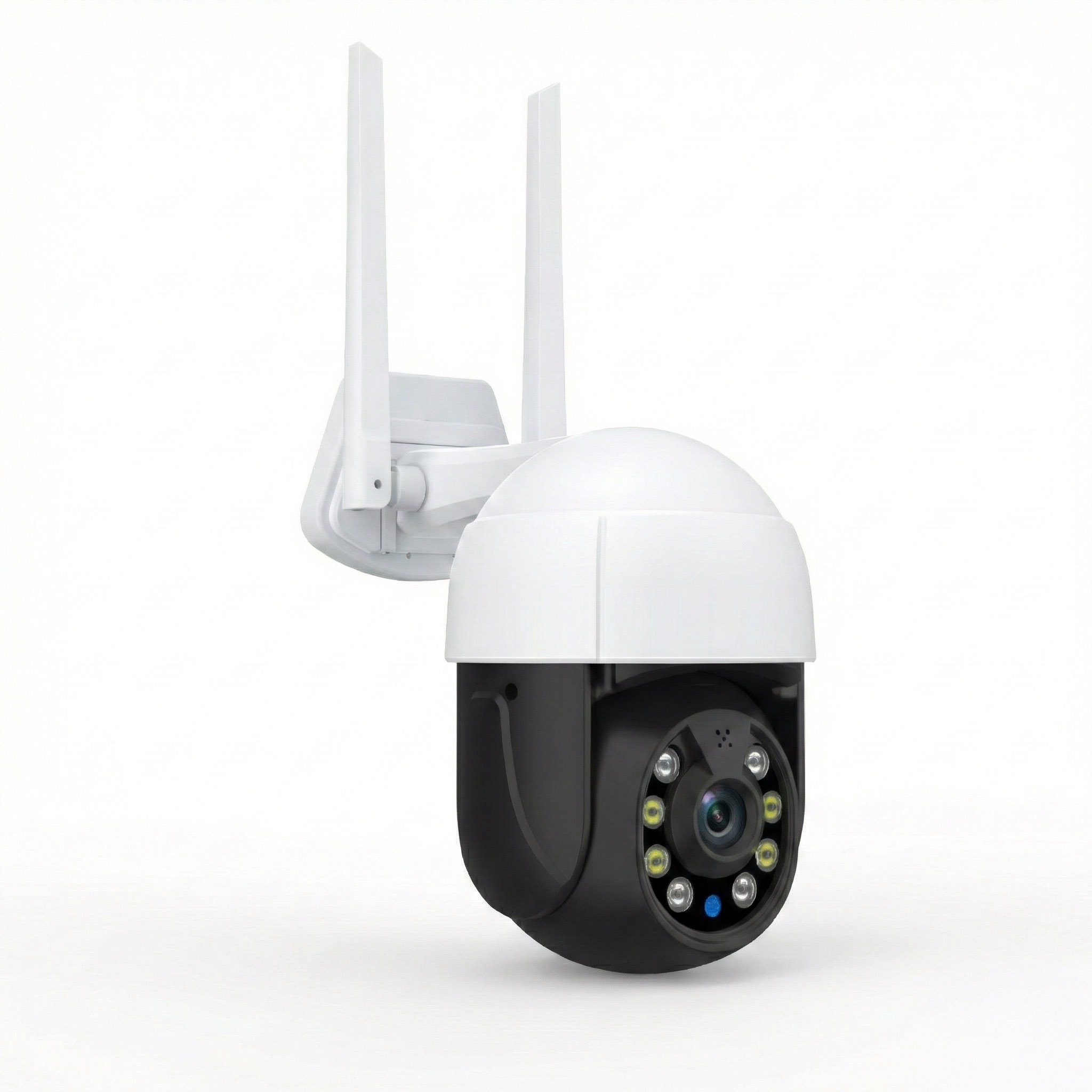
The ROOXIS Outdoor Security Camera RXC1 is well suited to a front entrance, driveway, patio, garage, or backyard.
Its most useful distinction is remote pan-and-tilt control.
The camera can rotate horizontally through 355 degrees and tilt through 90 degrees, allowing you to change the viewing direction using the Smart Life app.
That can be useful when one mounting position overlooks more than one nearby area.
For example, a camera mounted near the front corner of a garage may allow you to check the driveway, then turn toward the path beside the house.
The camera still needs a sensible mounting position. Pan and tilt cannot compensate for a solid wall blocking the view.
Main features
-
5MP resolution at 2880 x 1620.
-
355-degree horizontal pan and 90-degree tilt.
-
Infrared and color night vision.
-
AI human detection and motion alerts.
-
Two-way audio.
-
IP66 weather-resistant enclosure.
-
Local microSD recording up to 128GB.
-
2.4 GHz WiFi.
-
Smart Life application.
-
DC 12V/2A power adapter.
How local recording works
The RXC1 supports recording to a compatible microSD card installed inside the camera.
Once the card is configured, footage can be stored locally without paying for cloud video history.
The Smart Life app provides access to supported local playback.
Optional cloud storage is available separately, but it is not required for microSD recording.
For a camera that will remain mounted near a suitable power source, this is a straightforward arrangement.
Use a compatible high-endurance memory card and confirm that recording is enabled after installation.
What about motion alerts?
The RXC1 includes motion detection and AI human detection.
Human detection can help distinguish people from some other movement, although actual results depend on distance, lighting, and the scene.
A camera facing a busy street may still generate unwanted alerts if vehicles, shadows, or pedestrians occupy much of the image.
Start with a view focused on the entrance or driveway.
Where supported by the app and device configuration, adjust activity settings to concentrate on relevant areas.
Test the camera by walking through the intended detection zone.
Nighttime monitoring
The RXC1 supports infrared night vision and color night vision using built-in illumination.
ROOXIS lists night vision reach of up to 20 meters under suitable conditions.
That does not guarantee detailed identification at the maximum distance.
A person standing close to the front door will generally occupy more of the recorded image than someone at the far end of a long driveway.
After mounting, check the nighttime view.
If a nearby wall or bright outdoor light causes glare, adjust the camera's direction.
What to consider before buying
The RXC1 is not battery-powered.
It requires continuous electrical power and a suitable 2.4 GHz WiFi connection.
Plan both before installation.
Its maximum supported microSD capacity is also lower than that of the Tapo C120 and Reolink Argus 3 Ultra.
For homeowners who want adjustable coverage from a single powered outdoor camera, the RXC1 provides a useful combination of local storage, motion detection, night vision, and two-way audio without requiring a paid storage plan.
Best Budget Local Storage Option
Recommended model: Tapo C120
Best for: Buyers who want a compact indoor or outdoor camera with local recording, useful detection options, and a simple fixed view.
The Tapo C120 is a small wired-power WiFi camera that can be used indoors or outdoors.
It records at 2K QHD resolution and supports microSD cards up to 512GB.
Its compact body makes it suitable for locations such as a covered entrance, garage, small patio, or home office.
It does not have motorized pan-and-tilt controls, so the viewing angle must be chosen during installation.
Main features
-
2K QHD resolution at 2560 x 1440.
-
microSD recording up to 512GB.
-
IP66 weather resistance.
-
2.4 GHz WiFi.
-
Infrared and color night vision.
-
Person, pet, and vehicle detection.
-
Activity-zone controls.
-
Two-way audio.
-
Magnetic mounting base.
-
Wired DC power.
Why it works as a budget option
The C120 combines local recording with several detection features without making a cloud storage subscription mandatory.
A compatible microSD card stores footage inside the camera.
Tapo Care cloud services are optional and separate from supported local recording.
The camera also includes detection features that can help identify people, pets, and vehicles.
For example, if a camera overlooks the garage entrance, vehicle detection may be useful for identifying arrivals.
If it faces a front walkway, person detection may be more relevant.
The detection settings should match the scene rather than simply enabling every available notification.
Where it works well
A fixed camera is often enough for an entrance or small outdoor area.
Mount the C120 where the lens can capture the entire doorway and approach path without needing to move.
Its magnetic mounting design can make positioning convenient when used with a compatible, securely installed base.
For outdoor installations, the mounting arrangement still needs to meet the manufacturer's requirements and withstand local weather conditions.
Storage considerations
The C120 supports microSD cards up to 512GB.
A larger card provides more potential recording capacity, but actual storage duration depends on the settings.
Use the Tapo app to check card recognition, recording mode, and playback.
For an outdoor camera that records frequently, a high-endurance card is preferable.
What to consider before buying
The C120 requires continuous power.
It does not operate as a rechargeable battery camera.
It also uses 2.4 GHz WiFi, so check signal strength at the proposed mounting position.
The fixed viewing direction is the main limitation compared with a pan-and-tilt model.
For a straightforward entrance camera where you want local recording without a monthly storage bill, it remains a useful budget-focused option.
Best Battery-Powered Wireless Security Camera
Recommended model: Reolink Argus 3 Ultra
Best for: Outdoor locations where a permanent power cable is inconvenient and motion-triggered recording meets your needs.
The Reolink Argus 3 Ultra uses a rechargeable battery rather than requiring a continuous wired power connection.
This makes it worth considering for areas such as a detached shed, side gate, fence line, or garden entrance.
The camera supports 4K UHD recording and local microSD storage.
It can also use a compatible optional solar panel to help maintain battery charge.
Main features
-
4K UHD resolution at 3840 x 2160.
-
Rechargeable battery.
-
Optional solar charging.
-
microSD storage up to 512GB.
-
Dual-band 2.4 GHz and 5 GHz WiFi.
-
IP65 weather resistance.
-
Infrared and spotlight-assisted color night vision.
-
PIR motion detection.
-
Person, vehicle, and animal detection.
-
Two-way audio.
-
Motion-triggered recording.
Why battery power matters
Some outdoor locations are difficult to wire.
A garden gate may be far from the house. A detached storage building might not have an appropriate electrical outlet.
A battery camera gives you more freedom to choose a mounting point based on coverage and WiFi availability.
However, battery-powered operation requires maintenance.
Battery life varies with recording frequency, detection activity, temperature, wireless signal quality, and camera settings.
A camera monitoring a busy location may use more energy than one monitoring an area with occasional movement.
Check the battery level periodically and recharge it when needed.
Understand event-based recording
The Argus 3 Ultra is designed around motion-triggered recording.
It is not intended to replace a continuously recording powered camera.
This matters when comparing models.
If you want a complete timeline of activity outside your garage, a powered camera with suitable continuous recording support may be more appropriate.
If you mainly need clips showing visitors or detected movement at a side gate, event recording may be sufficient.
Local storage and alerts
The Argus 3 Ultra supports microSD cards up to 512GB.
Supported motion recordings can be stored locally without subscribing to cloud video history.
Reolink also provides supported remote viewing and motion notifications through its application without a required monthly plan.
Optional cloud services may be available in some regions.
What to consider before buying
The camera has a fixed viewing direction, so placement matters.
It also needs periodic battery maintenance.
If you use an optional solar panel, position it where it receives sufficient sunlight. A panel hidden beneath a roof overhang or heavy tree cover may provide limited charging.
The Argus 3 Ultra is a sensible option when access to electrical power is the main installation problem and motion-triggered recordings meet your requirements.
How to Choose the Best Home Security Cameras Without Subscription
The most useful camera is not necessarily the one with the longest feature list.
Start with the area you want to monitor and decide what kind of footage you need.
A front-door camera may only need to capture visitors and deliveries. A driveway camera might need a wider view, better night lighting, or more frequent recording.
Use the following questions to narrow your options.
1. Do you need continuous or motion-based recording?
Continuous recording creates a more complete video history.
It can be useful when you want to review activity that did not trigger a motion alert.
Motion-based recording uses less storage and is especially common on battery cameras.
If uninterrupted recording matters, choose a powered camera that explicitly supports it.
Do not assume every no-subscription model provides continuous recording.
2. Is electrical power available?
If a suitable power source is already nearby, a powered camera can be convenient.
You won't need to recharge a battery regularly.
If the proposed location is far from an outlet, a battery-powered camera may reduce installation work.
Check the complete cable route before choosing a powered model.
A camera that can reach an outlet only with a stretched or exposed cable is not a good installation plan.
3. Do you need a fixed view or adjustable coverage?
A fixed-view camera can work well above a doorway or narrow passage.
For a wider area, remote pan-and-tilt control may be useful.
The ROOXIS RXC1 allows you to change the view through its app.
However, a movable camera does not watch every direction simultaneously.
If you need continuous coverage of two separate entrances, two appropriately positioned fixed cameras may be more suitable.
4. How will recordings be protected?
A microSD card is simple, but it sits inside the camera.
If someone removes the device, the card may be lost with it.
For properties where footage preservation is particularly important, investigate compatible off-camera recording options.
A supported local storage hub or NVR may help separate stored footage from the outdoor camera.
Compatibility must be checked before purchasing additional equipment.
5. Which features are actually free?
Look beyond the phrase no monthly fee.
Check whether the free features include:
-
Live remote viewing.
-
Motion notifications.
-
Person or vehicle detection.
-
Local video recording.
-
Recorded footage playback.
-
Video downloads or exports.
-
Two-way audio.
Some brands provide these functions without charge while offering optional cloud history or enhanced notifications.
Make sure the functions you need do not depend on the optional plan.
6. What will maintenance involve?
Every camera needs some attention.
Battery cameras need charging.
Local storage needs occasional checks.
A recorder may require hard-drive maintenance.
Firmware updates and account security matter for all connected cameras.
Choose a camera whose maintenance requirements fit how you plan to use it.
A simple system that you regularly check is more useful than a complicated one that you rarely maintain.
How to Ensure Stable WiFi Signal for Outdoor Cameras
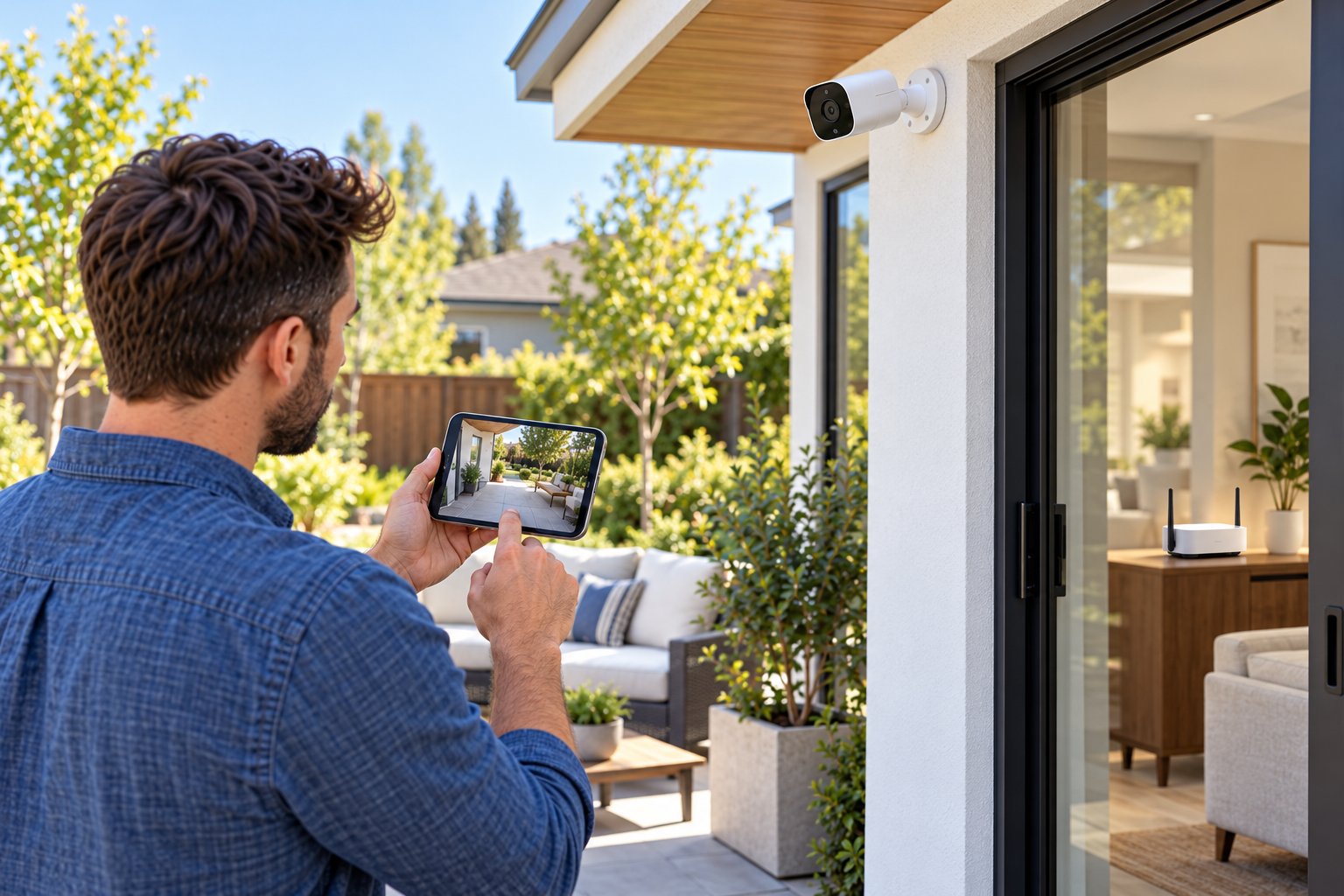
A security camera depends on a reliable network connection for live viewing and most remote features.
Outdoor locations can be challenging because wireless signals must often travel through exterior walls, insulation, or several rooms before reaching the camera.
Heavy concrete, brick, and metal can weaken reception.
Adding a higher-resolution camera will not fix a poor WiFi connection.
Start by checking the network and the camera's intended mounting point.
Step 1: Test the camera near the router
Connect the camera to your WiFi network while indoors.
Open the live feed.
Test any available pan-and-tilt controls, motion notifications, and settings.
If the camera does not work properly close to the router, resolve that issue before moving it outdoors.
Check the selected network, password, app configuration, and device firmware.
Step 2: Check the proposed outdoor position
Once setup works, bring the camera near the intended mounting location while keeping it securely supported.
Use the approved power source or charged battery.
Open the live feed and allow it to run.
Look for buffering, connection failures, or significant delays when changing camera settings.
If the app displays WiFi signal strength, use it alongside the live-feed test.
A phone showing a good signal nearby is helpful, but the camera itself is the better test.
Step 3: Improve the main router's position
A router hidden in a cabinet or behind large electronics may provide poorer coverage than necessary.
Place it in an open location when practical.
Avoid keeping it directly beside large metal objects or appliances that can interfere with wireless communication.
If the router is at one end of the house, moving it closer to the center may improve coverage toward exterior walls.
These router placement tips explain practical ways to reduce avoidable coverage problems.
A small change may improve reception, although the result depends on the building.
Step 4: Choose the correct WiFi band
For a camera that supports only 2.4 GHz, connect to the appropriate network.
The ROOXIS RXC1 and Tapo C120 use 2.4 GHz WiFi.
The Reolink Argus 3 Ultra supports both 2.4 GHz and 5 GHz.
At a distant outdoor position, 2.4 GHz may hold a more reliable connection.
At a closer position with fewer obstacles, 5 GHz may perform well on a compatible camera.
Test the actual location rather than choosing based on advertised maximum speed.
Step 5: Consider a WiFi extender
A properly positioned range extender may help when a camera is just beyond reliable router coverage.
For example, an extender in a room near the backyard might improve the signal available at the rear wall.
The extender itself must receive a good signal from the router.
Do not place it in an area where the router connection has already disappeared.
If the signal needs to pass through several heavy concrete walls, moving a wireless extender farther away may not solve the problem.
A wired access point or another suitable network arrangement may be necessary.
Step 6: Reduce unnecessary network congestion
Video devices share your home's available network capacity.
Several cameras, streaming televisions, video calls, and large uploads can create congestion.
If camera playback becomes unreliable mainly during busy periods, network traffic may be contributing.
Check whether the connection improves when other high-bandwidth activity stops.
You can temporarily lower live-view quality on cameras that offer that setting to help identify a bandwidth limitation.
Do not permanently reduce recording quality until you understand the problem.
Step 7: Keep firmware and security settings current
Check for firmware updates through the manufacturer's supported app.
Use a strong account password and additional authentication where available.
Keep your home WiFi secured with a suitable wireless security mode.
Avoid exposing camera management interfaces directly to the public internet through unnecessary port forwarding.
Use supported remote-access methods and review account settings periodically.
Step 8: Test local recording separately
A camera can show live video while its memory card is missing, full, or malfunctioning.
Check that the card is recognized.
Trigger a test recording and open playback.
If local recording during internet outages is important to you, verify that behavior for the specific model.
Some cameras can continue saving footage locally during an internet interruption when power and the necessary local connections remain available.
Remote viewing and notifications may still stop until the internet connection returns.
Frequently Asked Questions
Do security cameras work without a monthly subscription?
Yes. Many home security cameras provide live viewing, motion detection, and local recording without a required monthly plan. Models such as the ROOXIS RXC1, Tapo C120, and Reolink Argus 3 Ultra support microSD recording, although optional cloud services may involve additional charges.
Where is footage stored if there is no cloud plan?
Recordings can be saved to a microSD card inside the camera or, on compatible systems, a local storage hub or NVR with a hard drive. A microSD card is often the simplest option for a single camera. Check the device's supported storage capacity and confirm recording and playback after installation.
Can I view live footage remotely without paying a monthly fee?
Yes. Supported ROOXIS, Tapo, and Reolink cameras provide remote live viewing through their manufacturer applications without requiring a monthly cloud storage subscription. The camera normally needs an internet connection for remote access, and certain optional cloud features may still cost extra.
How do I prevent outdoor cameras from dropping WiFi connection?
Test the camera at its planned mounting location, use the correct WiFi band, and position your router where it can provide a strong signal. If reception is weak, a properly located WiFi extender or wired access point may help. Also check for interference, heavy network activity, firmware issues, and router interruptions.
Conclusion
The best home security cameras without subscription are the ones that provide the recording features you need without making cloud storage payments mandatory.
For powered outdoor monitoring, the ROOXIS RXC1 offers adjustable pan-and-tilt coverage, motion detection, night vision, two-way audio, and local microSD recording. The Tapo C120 is a practical fixed-view option for buyers prioritizing affordable local storage, while the Reolink Argus 3 Ultra suits locations where battery power is more convenient.
Before choosing, check the mounting location, power requirements, WiFi coverage, and recording options. ROOXIS offers outdoor security hardware designed for straightforward home monitoring, with local storage that lets homeowners review supported recordings without paying for a monthly cloud plan.